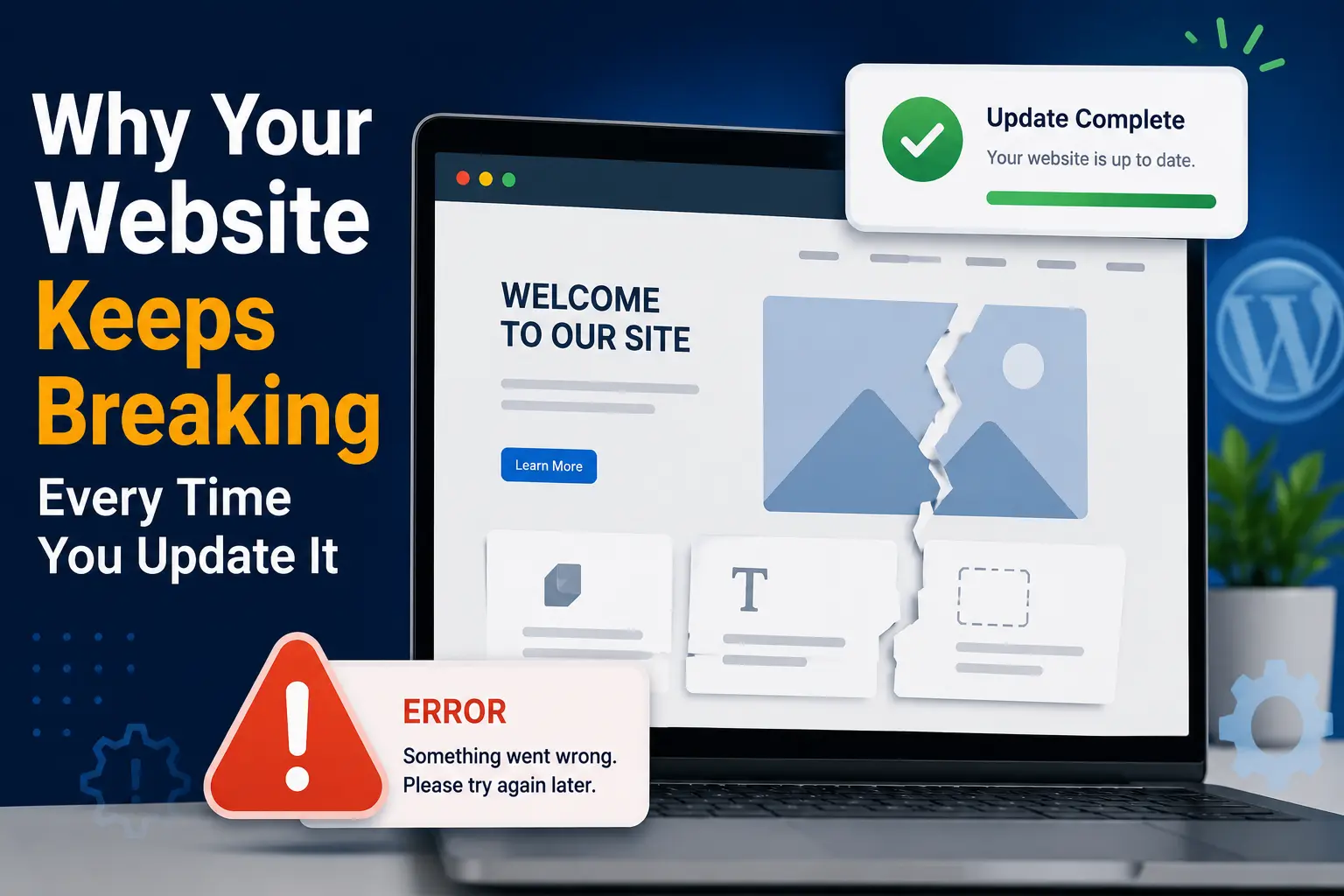
Imagine this: you log into your website to change a price, add a new photo, or update your business hours. It’s a tiny change — should take two minutes. You click save, refresh the page, and suddenly your layout is broken, a section has disappeared, or the whole site won’t load at all.
You’ve probably experienced this and felt a small wave of panic. You didn’t touch any “code.” You just changed some text. So why did everything fall apart?
The frustrating part is, this isn’t bad luck, and it’s not something you did wrong by accident. Most websites that “break easily” were never set up in a way that protects against small changes causing big problems. The good news is, this is almost always preventable once you understand why it happens.
Why Websites Break After Small Updates
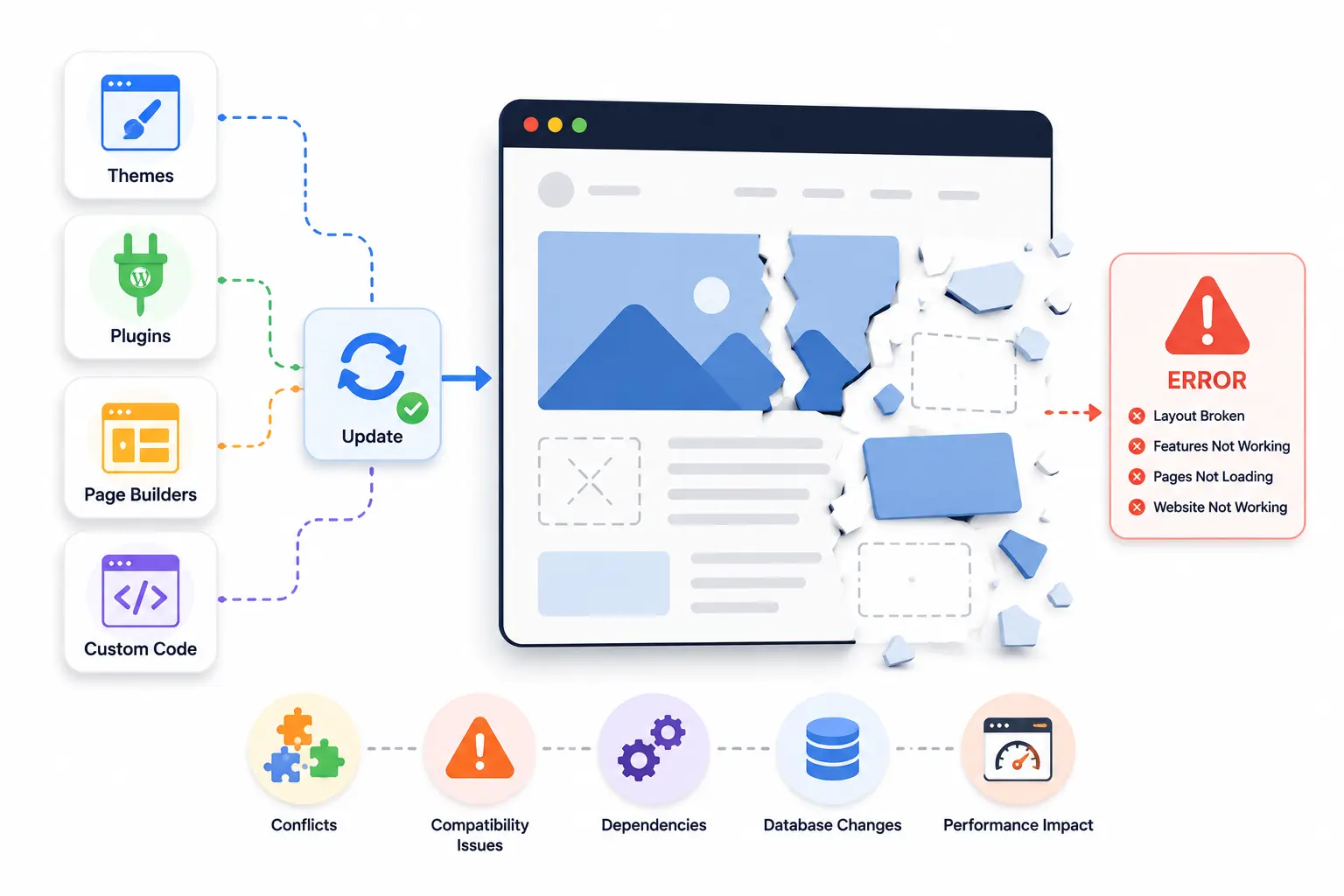
Most business owners assume that a website is like a printed document — change one thing, and only that one thing changes. In reality, modern websites are built from many connected pieces: themes, plugins, page builders, and sometimes custom code, all working together at the same time.
Imagine a clinic owner who updates a plugin on their WordPress site to “fix a small bug,” not realizing that plugin was also responsible for how their booking calendar displayed. The plugin update changes something behind the scenes, and suddenly the calendar that worked perfectly yesterday is now broken.
This happens because these pieces often depend on each other in ways that aren’t obvious from the outside. A single update — even a routine one — can shift how other parts of the site behave, especially if the website was never tested for that specific change beforehand.
How Do You Know If Your Website Is at Risk of Breaking
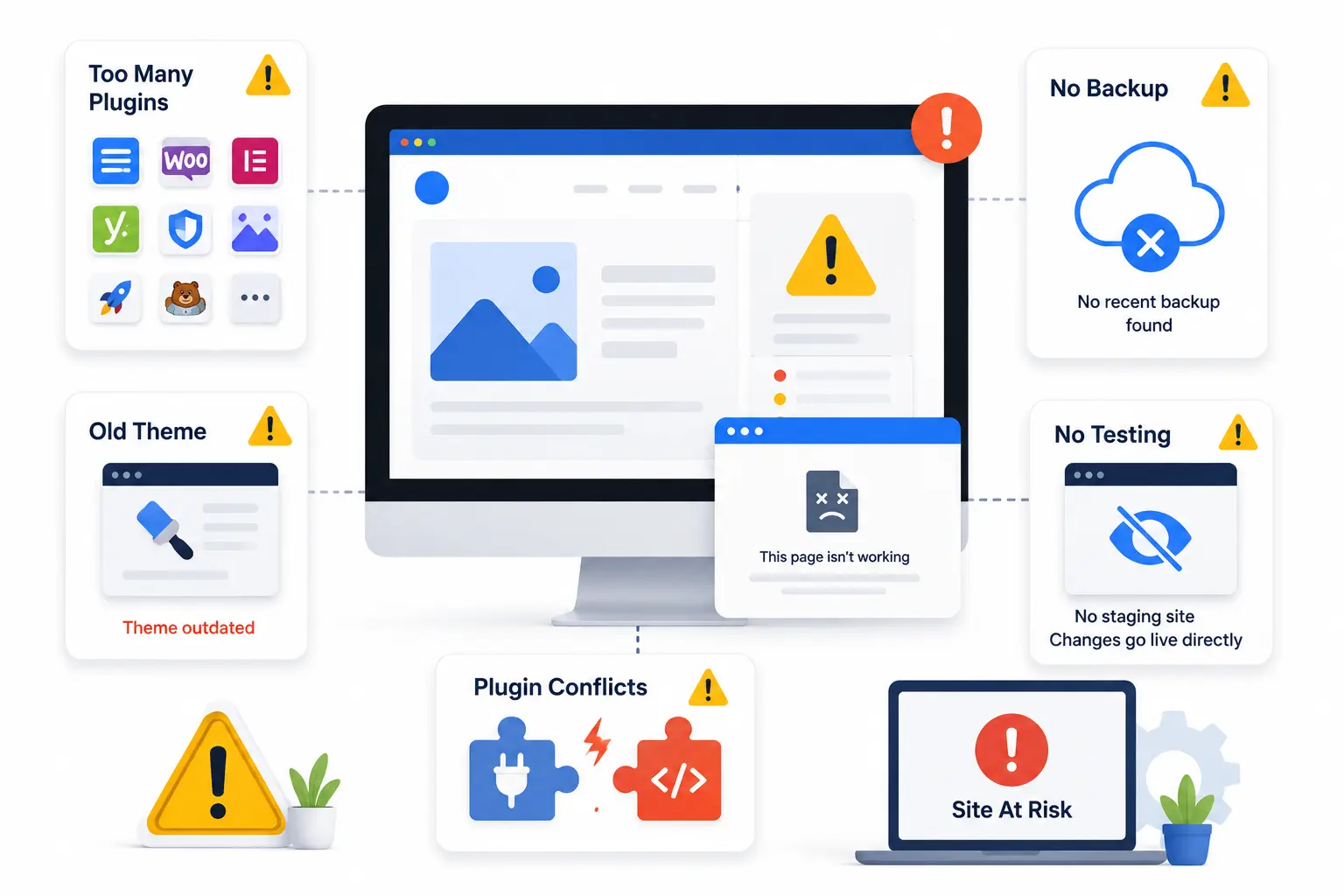
Some signs your website is more fragile than it should be:
- You’ve experienced a small change causing an unrelated part of the site to break before
- You have multiple plugins or tools installed that you’re not sure you still need
- You don’t have a backup system in place, or you’re not sure if one exists
- You update plugins or themes immediately without checking what changed
- You’re not sure who originally built your site or how it’s structured
- There’s no staging or test version of your site — every change goes live immediately
Imagine a restaurant owner who has 15 plugins installed on their WordPress site, several of which were added years ago for features they no longer use. Every additional plugin increases the chances that one update conflicts with another, even if most of them are doing nothing at all anymore.
Common Mistakes That Cause Websites to Break
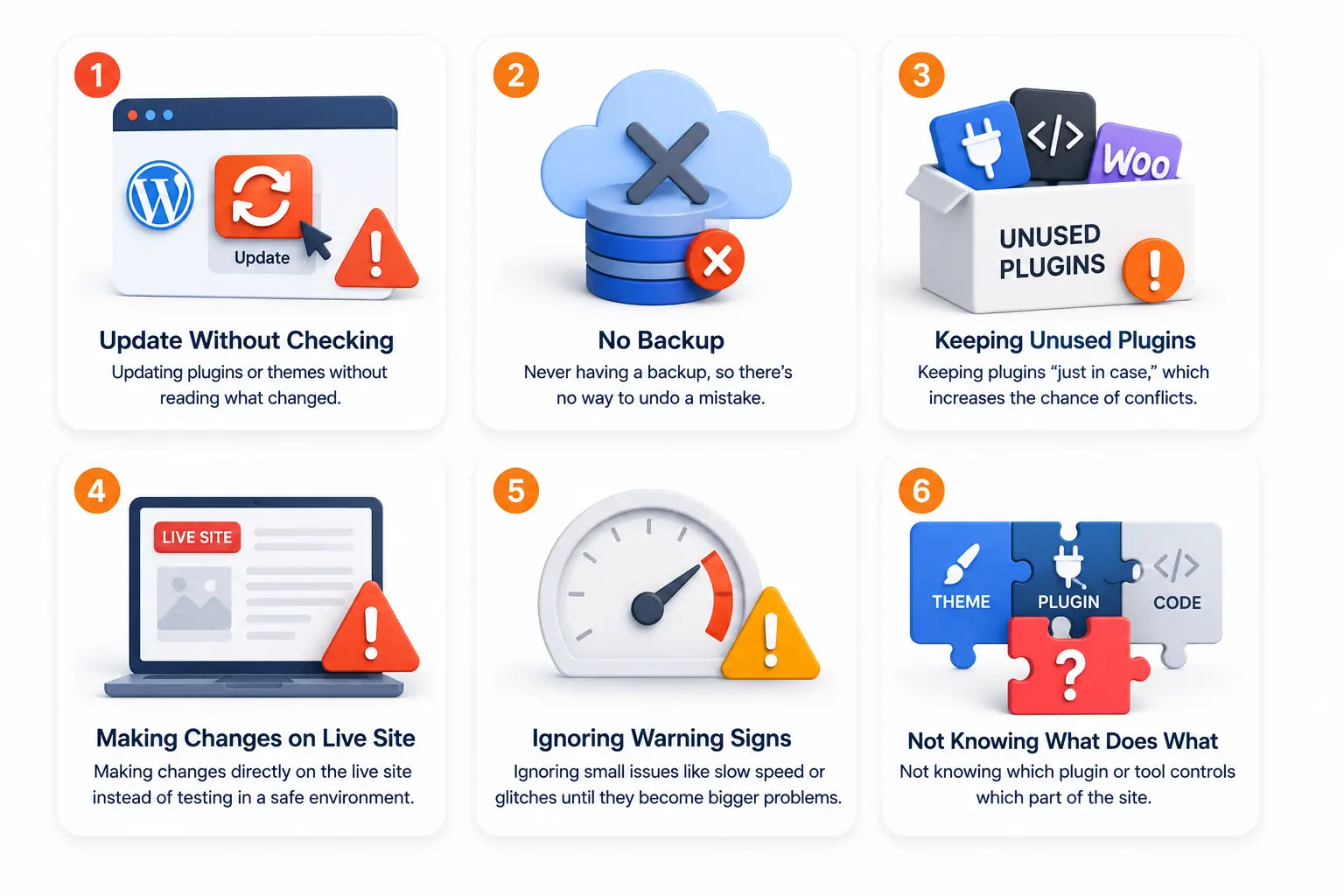
- Updating plugins or themes without reading what changed in that update
- Never having a backup, so there’s no way to undo a mistake quickly
- Keeping unused plugins installed “just in case,” increasing the chance of conflicts
- Making changes directly on the live site instead of testing them somewhere safe first
- Ignoring small warning signs, like slow loading or minor display glitches, until they become bigger problems
- Not knowing which plugin or tool controls which part of the site, making it hard to know where to even start fixing things
The mistake usually isn’t carelessness — it’s simply not knowing that websites need basic maintenance habits, the same way a car needs regular servicing even when nothing seems wrong yet.
How to Update Your Website Without It Breaking
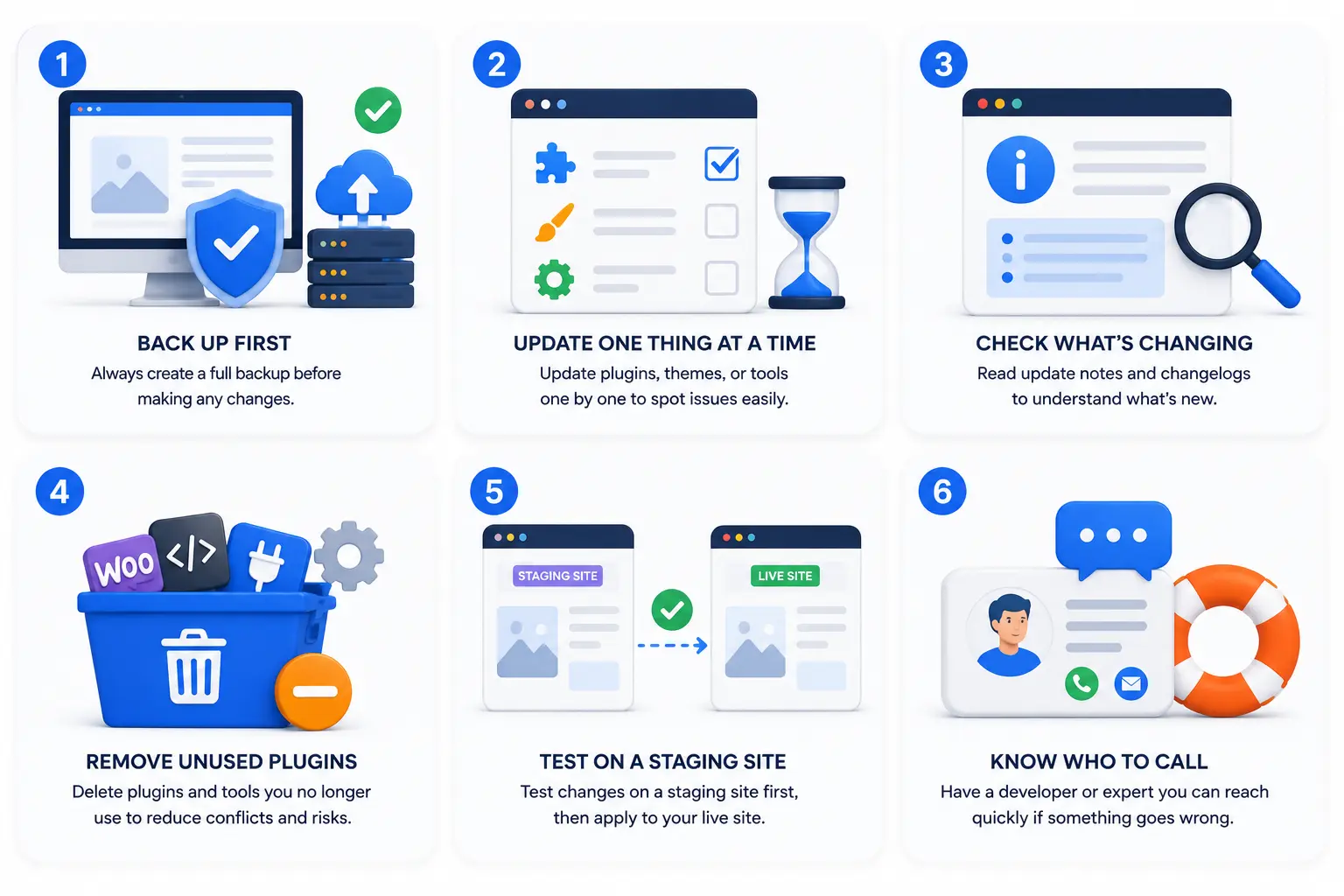
1. Always back up before making changes. Many hosting providers and website platforms offer simple one-click backups. Before any update, even a small one, having a backup means you can undo a mistake in minutes instead of panicking for hours.
2. Update one thing at a time. Avoid updating multiple plugins or themes all at once. If something breaks, updating one at a time makes it much easier to identify exactly what caused the problem.
3. Check what an update actually changes before installing it. Most plugins show a changelog or update notes. A quick glance can tell you if the update is a minor fix or a bigger change that might affect how things look or function.
4. Remove plugins and tools you no longer use. Imagine a salon owner who removes five old, unused plugins from their site during a routine cleanup. Not only does the site load faster, but there are now five fewer things that could potentially break during future updates.
5. Test changes on a staging site if possible. A staging site is a private copy of your website where you can test updates safely before applying them to the live version customers see. Many hosting providers offer this as a built-in feature.
6. Know who to call when something does break. Having a developer or freelancer you can quickly reach — even just for occasional emergencies — means a broken site gets fixed in hours, not days.
What Most Business Owners Overlook
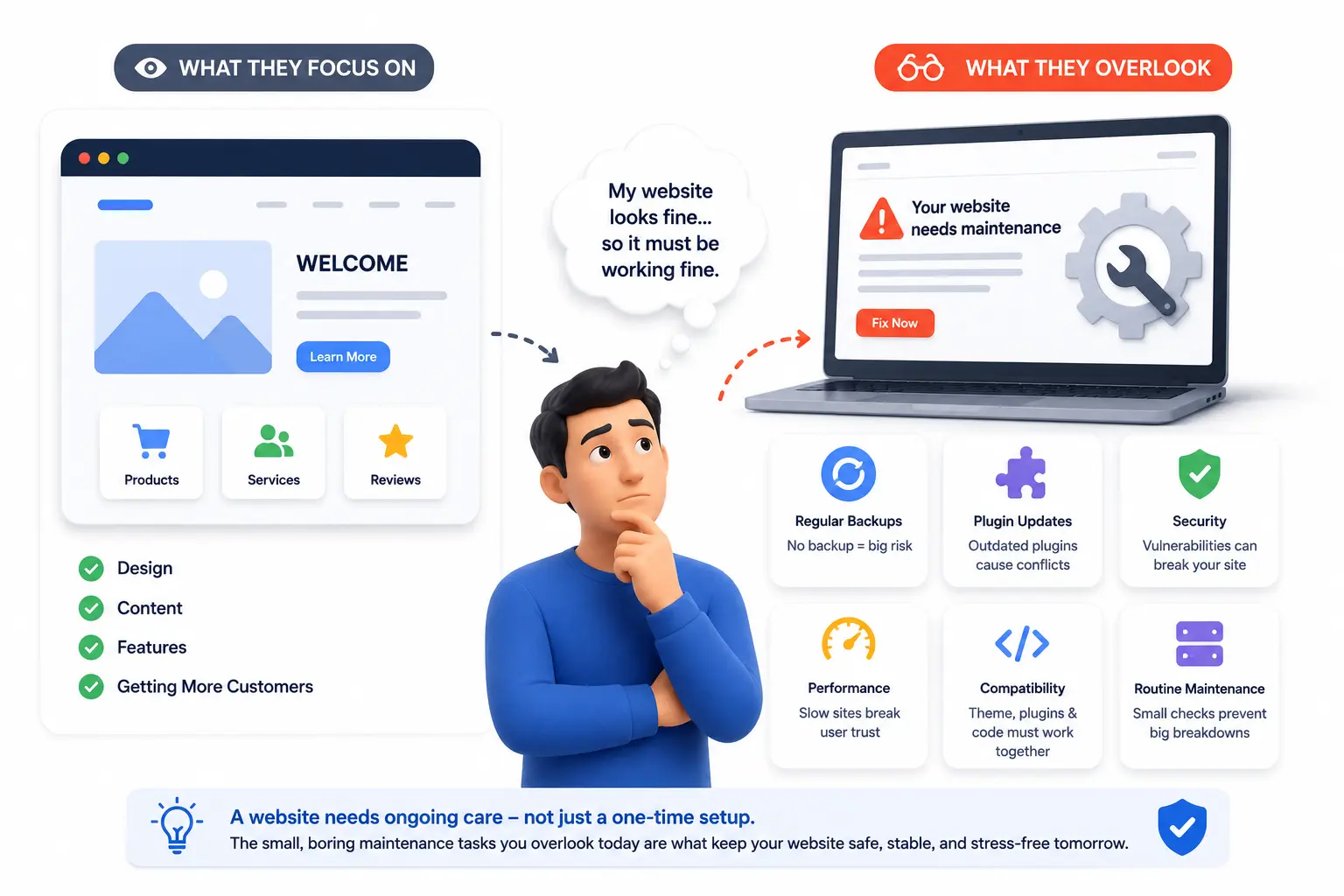
Here’s the part most people miss: website maintenance isn’t a one-time setup, it’s an ongoing habit, similar to how a shop needs regular cleaning and upkeep even when it looks fine on the surface.
Most business owners only think about their website’s technical health after something breaks. The businesses that avoid these stressful moments are usually the ones doing small, boring maintenance tasks — backups, plugin reviews, careful updates — quietly in the background, long before anything goes wrong.
Timeline: What to Expect When Fixing or Preventing This
Setting up good habits — backups, careful update checking, removing unused plugins — can be done in a single afternoon for most small business websites. Once these habits are in place, the risk of an update breaking your site drops significantly almost immediately.
If your site has already broken and needs fixing, simple issues (like a plugin conflict) are often resolved within a few hours by someone familiar with the platform. More complex issues, especially on older or heavily customized sites, may take a day or two to properly diagnose and repair.
What Happens If You Ignore This Problem
Every update becomes a small gamble. Eventually, a routine change breaks something at the worst possible time — during a promotion, a busy season, or right when a customer is trying to book or buy. Without backups, fixing it takes longer and costs more, and in the meantime, visitors hit a broken site and quietly leave.
A Quick Action Step
Check right now whether your website has a backup from the last 30 days. If you’re not sure, that’s the first thing worth finding out today — before your next update, not after something breaks.
FAQ
Why did my website break even though I only changed text?
Even simple text changes happen within page builders or themes that are connected to other parts of your site. A glitch during saving, a plugin conflict, or a caching issue can cause unrelated problems to appear.
How do I know if my website has backups?
Check your hosting dashboard or website platform settings for a “Backups” section. If you’re unsure, your web host’s support team or your developer can confirm this for you directly.
Is it safe to ignore plugin update notifications?
Not indefinitely. Ignoring updates for too long can leave your site vulnerable to security issues, but updating carelessly can also cause problems. The safer approach is reviewing updates before installing them, not avoiding them entirely.
Do I need a developer for every small website change?
No. Many small changes, like text or image updates, can be done safely by a business owner. It’s larger structural changes, plugin updates, or anything affecting site function where extra caution helps.
What’s the fastest way to fix a website that just broke?
If you have a recent backup, restoring it is usually the fastest fix. If not, identifying the most recent change (like a plugin update) is often the next best starting point.
How many plugins are too many for a small business website?
There’s no strict number, but every unused plugin is unnecessary risk. A good habit is reviewing your plugin list every few months and removing anything you no longer actively use.
Key Takeaways
- Websites are built from multiple connected parts, so even small updates can affect unrelated sections
- Having a recent backup is one of the simplest ways to protect against update-related problems
- Updating one thing at a time makes it easier to identify what caused an issue if something breaks
- Removing unused plugins reduces the chances of future conflicts
- Good website maintenance habits prevent most breaking issues before they happen
Conclusion
A website breaking after an update isn’t bad luck — it’s usually a sign that a few simple safety habits, like backups and careful updates, were never put in place. The fix isn’t complicated, but it does need to become a routine, not an afterthought.
Start today by checking your backup status. A small five-minute check now can save you hours of stress the next time you need to make a simple update.