Imagine this: a potential customer searches for your service on their phone, finds your website in the results, and taps on it. A loading spinner appears. They wait. Three seconds pass. Four. Five. Before your homepage has even finished loading, they’ve already pressed the back button and tapped on the next result — your competitor.
You never knew they visited. There’s no missed call, no abandoned form, no visible signal that you just lost a customer. The website was live, the listing was there, everything looked fine from your side. But from their side, your business was simply too slow to bother waiting for.
You’ve probably never thought of loading speed as a sales problem. The frustrating part is, it’s one of the most consistent and invisible reasons small business websites lose customers before those customers ever see a single word about the services being offered.
Why Small Business Websites Load Slowly
Most business owners assume that once a website is built and published, its speed is fixed — a technical detail that can’t be changed without rebuilding the whole thing. In reality, website speed is almost always the result of specific, identifiable choices made during setup, and most of them are fixable without touching the design at all.
Imagine a local tutoring centre whose website loads in eight seconds on mobile. When the site was first built, the designer uploaded high-quality photos straight from a camera — large, uncompressed image files that look beautiful but take enormous time to download on a phone connection. Nobody noticed during testing because the designer was on fast office WiFi. The customer trying to visit from a 4G connection experiences something completely different.
This happens because websites are typically built and tested on fast desktop connections in offices or studios, not on the slower mobile data connections that many real visitors are using. The version of the site that feels fast during development is often noticeably slow for a significant portion of actual customers.
How Do You Know If Your Website Has a Speed Problem

Speed problems are almost always invisible to the business owner because they check their own site regularly — so it’s cached in their browser and loads almost instantly. Some signs worth paying attention to:
- You’ve never specifically tested your website speed on a mobile device using mobile data rather than WiFi
- Your website has more than a handful of large, high-resolution photos that were uploaded without being resized first
- You’ve added multiple plugins, widgets, or third-party tools over time without removing old ones
- Visitors regularly land on your site but leave almost immediately, according to your analytics
- You’re running a shared hosting plan that hasn’t been reviewed since the site was first launched
- Your website takes more than three seconds to show something visible on a phone screen
Imagine a small clothing boutique whose homepage includes a background video that autoplays when the page loads. On WiFi it looks impressive. On a 4G connection in a low-signal area, the page takes twelve seconds to load, the video never finishes buffering, and most mobile visitors leave before seeing a single product.
Common Reasons Small Business Websites Load Too Slowly
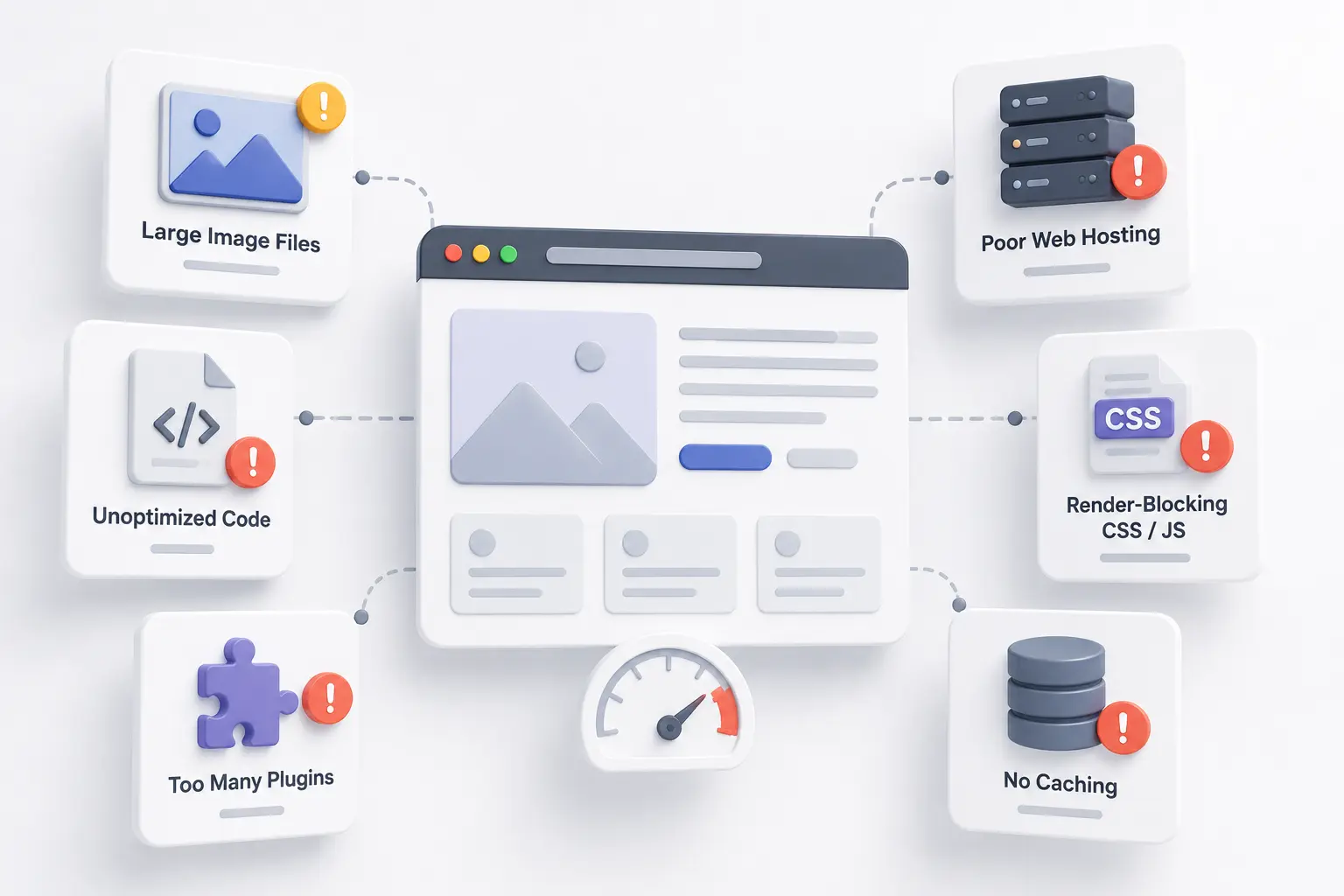
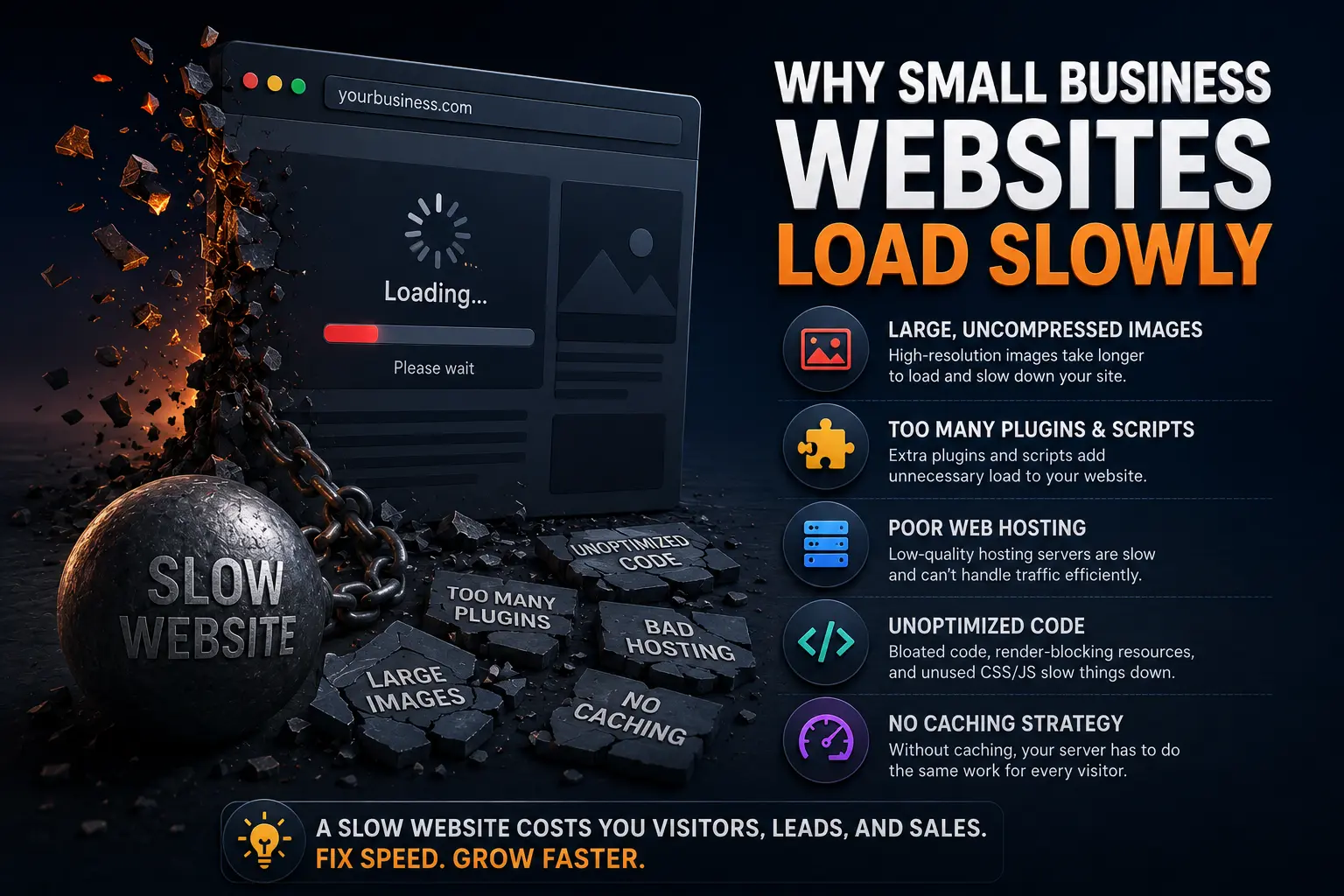
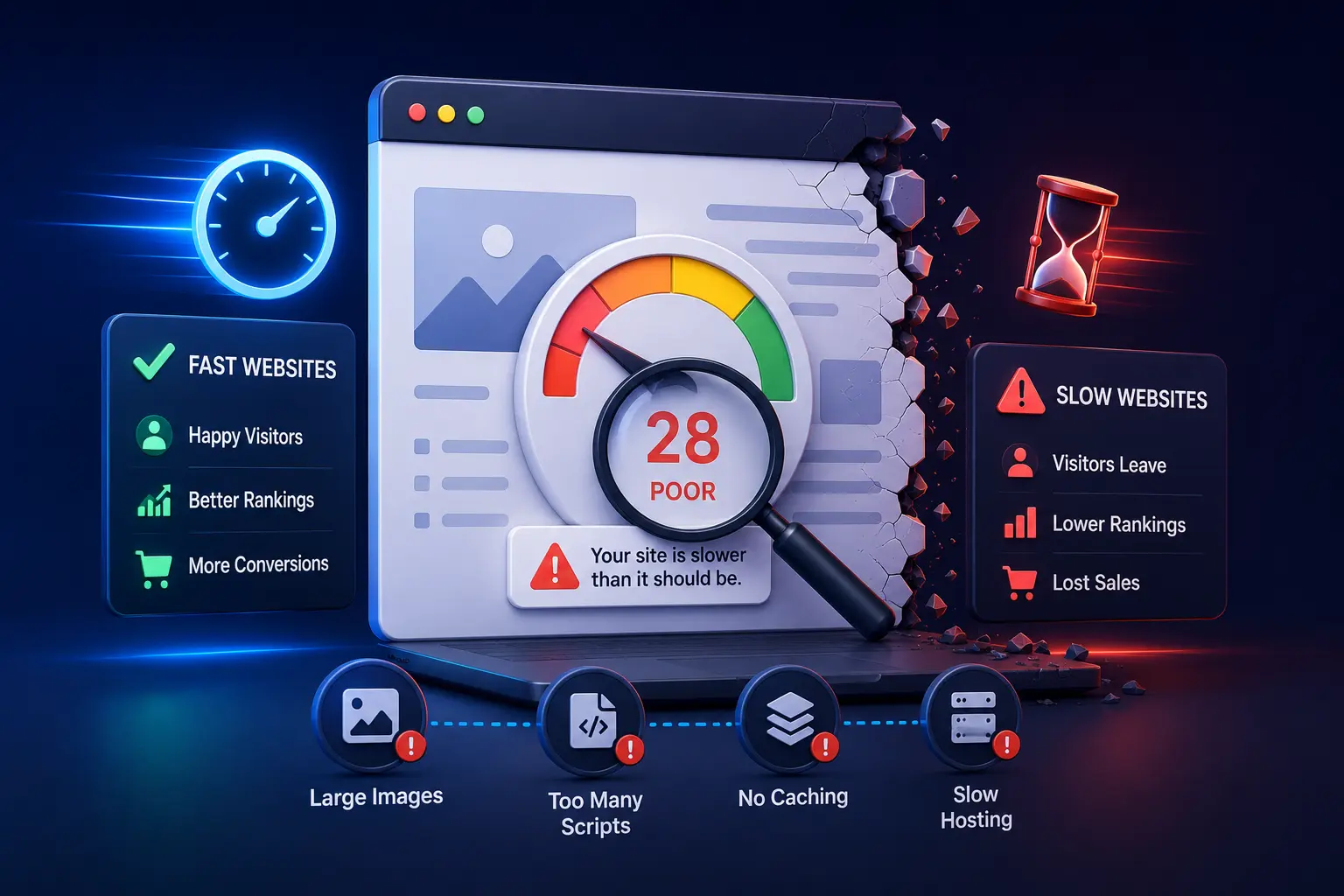
- Uncompressed images — photos uploaded at full camera resolution instead of web-optimised sizes, which are often ten to twenty times larger than necessary
- Too many plugins or scripts running simultaneously — each one adds a small loading delay, and they compound quickly
- No caching set up — without caching, every visitor triggers the server to rebuild the entire page from scratch instead of serving a ready-made version
- Cheap or overcrowded shared hosting — entry-level hosting plans share server resources with hundreds of other websites, which directly slows response times during busy periods
- Autoplay videos or large animations on the homepage — visually impressive but extremely heavy for mobile connections
- No content delivery network — without a CDN, every visitor loads your site from a single server location, which is slower for visitors who are geographically further from it
How to Fix a Slow Loading Website Without Rebuilding It
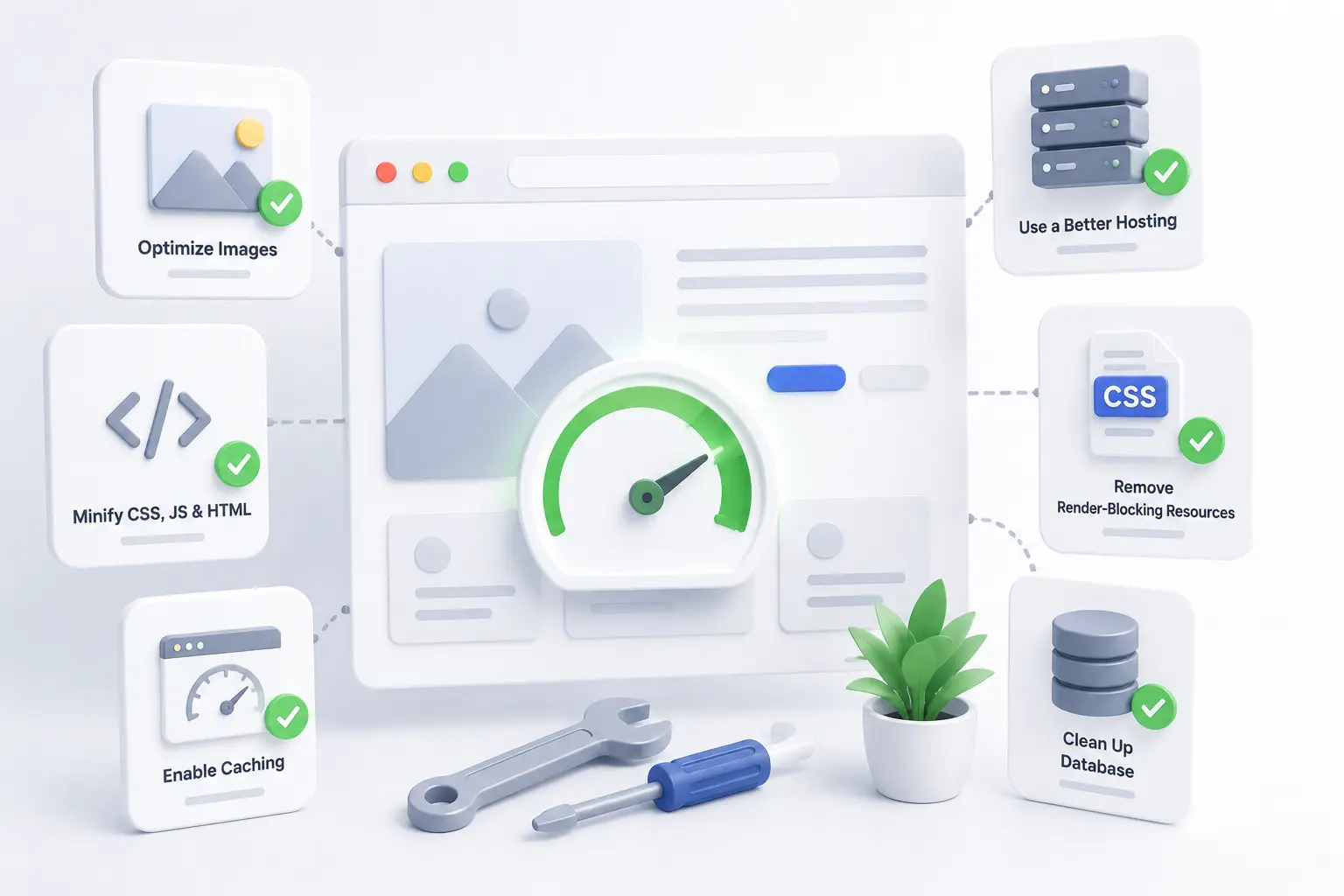
1. Compress your images before or after uploading them.
This single change fixes the most common cause of slow websites. Free tools like Squoosh or TinyPNG reduce image file sizes by sixty to eighty percent with no visible quality difference on screen. For WordPress sites, a plugin like Smush or ShortPixel can compress existing images automatically without having to re-upload them manually.
2. Test your actual speed — on mobile, not desktop.
Go to PageSpeed Insights, type in your website address, and switch to the Mobile tab. The score and the specific issues listed there give you a clear, prioritised picture of what’s slowing the site down. It’s free, takes thirty seconds, and removes all the guesswork.
3. Remove plugins and tools you no longer actively use.
Imagine a salon owner whose WordPress site has twenty-two plugins installed — several from features that were tested and abandoned, some that duplicate each other’s functions, and a few the original developer added that nobody knows the purpose of anymore. Removing eight of them noticeably improves loading time without changing a single visible thing on the site.
4. Enable caching on your website.
Caching saves a ready-made version of your pages so the server doesn’t have to rebuild them for every visitor. On WordPress, a free plugin like W3 Total Cache or WP Super Cache handles this in a few clicks. Most hosting providers also offer server-level caching that can be turned on from the hosting dashboard.
5. Upgrade hosting if it’s genuinely the bottleneck.
Entry-level shared hosting is fine when a website is new and traffic is low. But a business that’s been operating for two or three years and actively working on getting more visitors may have outgrown the hosting plan it started with. Moving to a managed WordPress host or a higher-tier plan often produces a significant speed improvement with no other changes needed.
What Most Business Owners Overlook
Here’s the part most people miss: website speed isn’t a technical problem, it’s a customer experience problem. Every additional second of loading time is a moment where a real person is deciding whether your business is worth waiting for — and the answer, more often than most business owners realise, is no.
Most small business owners never test their website the way their customers actually experience it — on a phone, on mobile data, in a low-signal area, tapping through from a Google search result. The five minutes it takes to do that test once reveals more about the real customer experience than any amount of time spent reviewing the desktop version.
Timeline: What to Expect After Improving Website Speed
Image compression and plugin removal are changes that take effect immediately — a visitor arriving the same afternoon the changes are made will experience a faster site.
Caching setup and hosting upgrades take a few hours to implement and also show immediate results once active.
The downstream effects — lower bounce rates, more pages visited per session, improved Google ranking over time — typically become measurable within four to eight weeks of consistent improvement, since Google gradually re-evaluates site performance as part of its ranking signals.
For local businesses investing in SEO alongside speed improvements, the combined effect on search visibility tends to become clearly noticeable within two to three months.
What Happens If You Ignore This Problem
Every slow-loading visit is a potential customer quietly deciding not to wait. Most of them never come back. As Google increasingly factors mobile page speed into local search rankings, a slow site gradually loses ground to faster competitors — not dramatically, but consistently, over months. The business keeps investing in SEO, ads, or social media to drive traffic, while a significant portion of that traffic leaves before the page finishes loading.
A Quick Action Step
Right now, go to PageSpeed Insights, type in your website address, and check the Mobile score. If it’s below 50, your site has a measurable speed problem worth addressing this week. If it’s between 50 and 80, there are improvements available that would make a noticeable difference. Write down the top three issues it lists — those are your starting points.
Tools & Resources
- PageSpeed Insights — Google’s free tool that scores your website speed on both mobile and desktop and lists the specific issues causing slowness, in priority order. It’s the clearest starting point for understanding what’s actually slowing your site down.
- TinyPNG or Squoosh — Free tools for compressing images before uploading. TinyPNG works directly in the browser with no account needed. Squoosh offers more control over compression settings. Both are free and immediately useful.
- Smush or ShortPixel (WordPress) — Free WordPress plugins that compress images already on your site without re-uploading them. Useful for websites that have been running for a while and have accumulated a large library of unoptimised images.
- GTmetrix — An alternative to PageSpeed Insights that provides a waterfall view showing exactly which elements of your page are loading slowest and in what order. Particularly useful for diagnosing more specific bottlenecks.
FAQ
My website looks fast to me. How do I know if it’s actually slow for visitors?
Your browser caches your own site after repeated visits, making it load almost instantly for you. The true customer experience is testing it on a fresh device using mobile data, or using PageSpeed Insights to simulate a real-world mobile load.
Does website speed actually affect Google rankings?
Yes. Google uses page experience signals, including loading speed, as a ranking factor — particularly for mobile search results. A slow website can rank below a less thorough competitor simply because it performs better on speed.
Can I fix a slow website myself without a developer?
Several of the most impactful fixes — image compression, removing unused plugins, enabling caching — can be done by a business owner with basic website access. Hosting upgrades are handled through your hosting provider’s dashboard. More complex technical issues may need developer help, but the common causes rarely do.
How much does it cost to fix a slow website?
The most common fixes cost nothing beyond the time to implement them. Image compression tools are free. Caching plugins are free. A hosting upgrade might cost a few hundred rupees more per month and typically produces a significant improvement.
What’s a good PageSpeed score for a small business website?
Above 80 on mobile is generally considered good. Above 90 is excellent. Scores below 50 indicate meaningful problems affecting real visitors. The score itself matters less than the specific issues it identifies and whether those are being addressed.
Will fixing my website speed help with my WhatsApp and phone enquiries too?
Indirectly, yes. Faster loading means more visitors stay long enough to see your contact details or call-to-action buttons. It’s one of several factors that determines whether a visitor becomes an enquiry.
Key Takeaways
- Website speed is a customer experience problem before it’s a technical one — slow loading loses visitors before they see anything about your services
- The most common cause is uncompressed images uploaded at full camera resolution
- PageSpeed Insights is a free tool that identifies exactly what’s slowing your site down, in priority order
- Image compression, caching, and removing unused plugins are the most impactful first fixes and cost nothing to implement
- Ignoring speed means consistently losing a portion of visitors to competitors whose sites simply load faster
Conclusion
A slow website doesn’t announce itself — it just quietly loses visitors before they ever engage with your business. Most of the fixes are straightforward and free, and they start working the same day you implement them.
Start with the PageSpeed Insights test. Look at your Mobile score. Then fix the first thing on the list. That single action puts you ahead of the majority of small business websites that have never been tested at all.