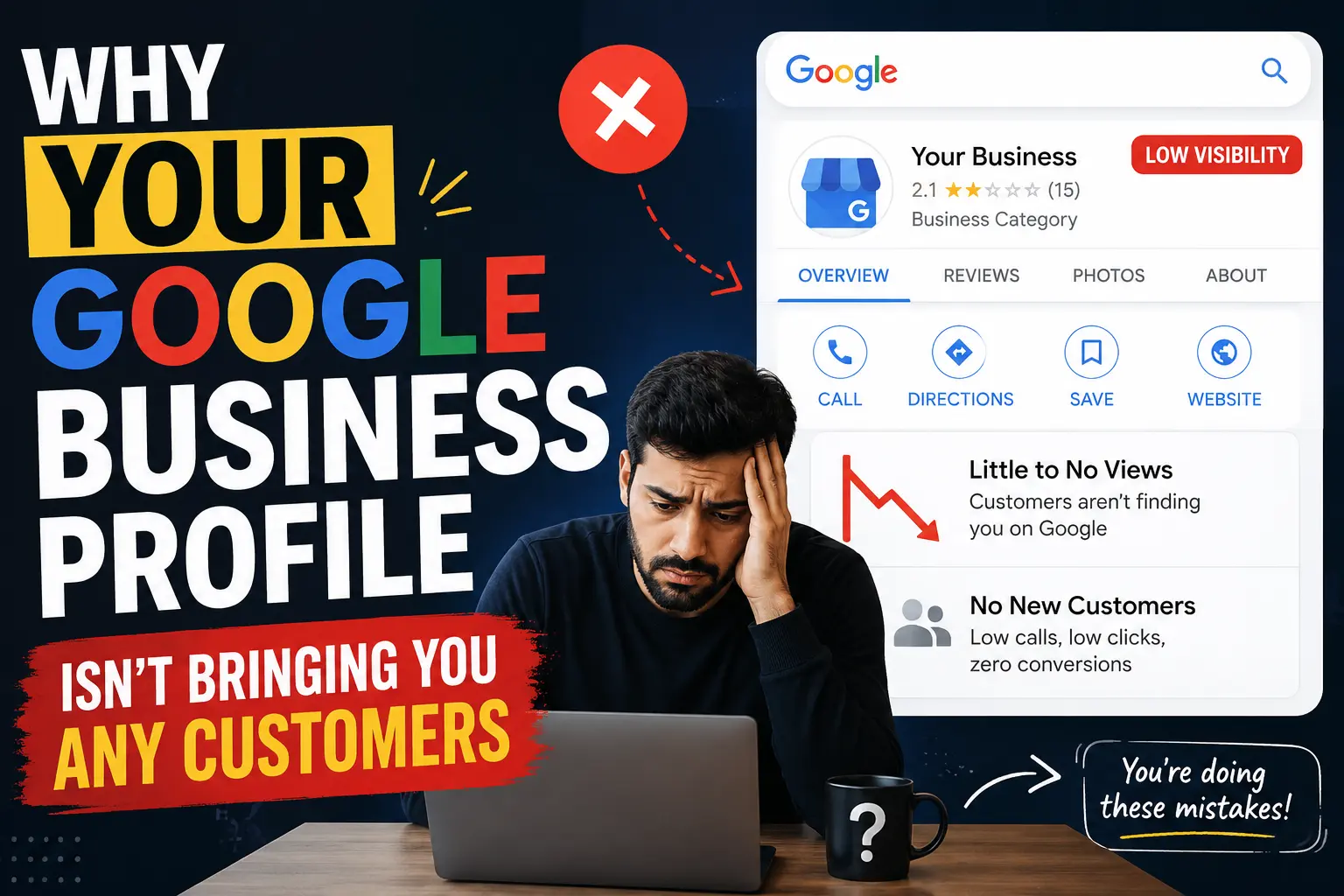
Imagine this: someone told you to set up a Google Business Profile, so you did. You added your business name, picked a category, maybe uploaded a photo or two. You marked it as verified. Then you waited for the calls to come in.
Weeks pass. Nothing changes. You search your own business on Google Maps and you can see the profile sitting there, but it’s buried under three or four competitors who seem to be getting all the visibility.
You’ve probably experienced this confusion — you did what you were supposed to do, the profile exists, and yet it’s not doing anything. The frustrating part is, creating a Google Business Profile and having a Google Business Profile that actually works for your business are two completely different things. Most businesses have the first. Very few have the second.
Why Google Business Profiles Fail to Attract Local Customers
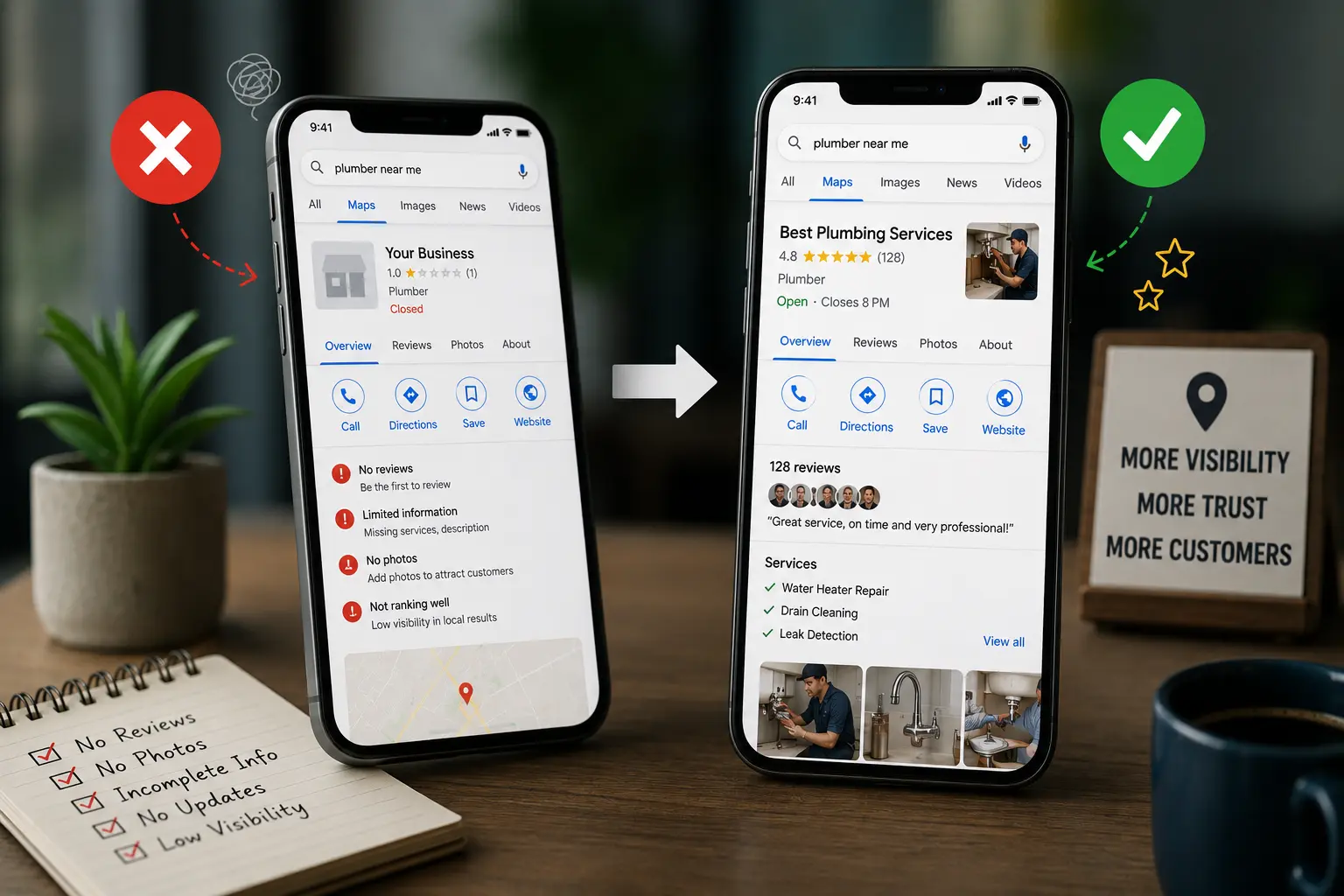
Most business owners assume that once a Google Business Profile is created and verified, Google will show it to nearby customers searching for their services. In reality, Google is constantly comparing your profile against every competitor in your area — and the profiles that are more complete, more active, and more trusted consistently appear higher in results.
Imagine a physiotherapy clinic that set up their profile eighteen months ago with a name, address, and phone number — and never touched it again. A newer clinic that opened six months ago but has uploaded photos every week, collected fifteen reviews, and kept their hours updated is likely appearing above them in local search results, even though the older clinic has been operating longer.
This happens because Google’s local ranking system treats your Business Profile like an ongoing signal of relevance and trust. A profile that hasn’t changed in months quietly suggests to Google that the business may be inactive, inconsistent, or simply less engaged with its customers — which pushes it lower in results.
How Do You Know If Your Google Business Profile Isn’t Working
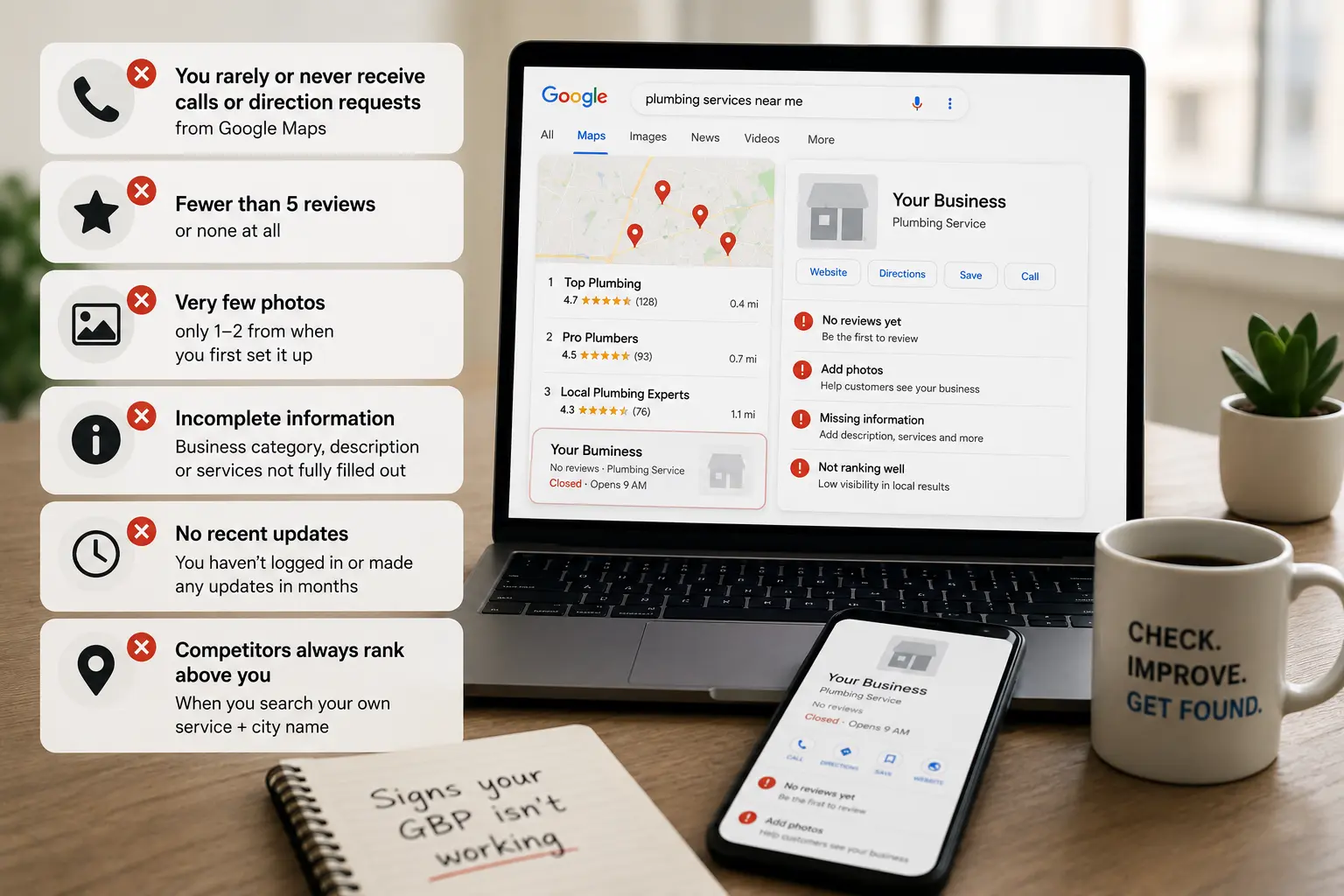
The profile existing isn’t the same as the profile performing. Some signs it’s underperforming:
- You rarely or never receive calls or direction requests that you can trace back to Google Maps
- Your profile has fewer than five customer reviews, or none at all
- Your photos are limited to one or two uploads from when you first set it up
- Your business category, description, or services section was never fully filled in
- You haven’t logged in or made any update to the profile in the last few months
- Nearby competitors consistently appear above you when you search your own service plus city name
Imagine a small bakery owner who searches “bakery in [her city]” on Google Maps and finds her shop appearing fifth or sixth in the list, below competitors whose profile photos look more recent, whose review counts are higher, and whose descriptions are more specific about what they offer.
Common Google Business Profile Mistakes Local Businesses Make
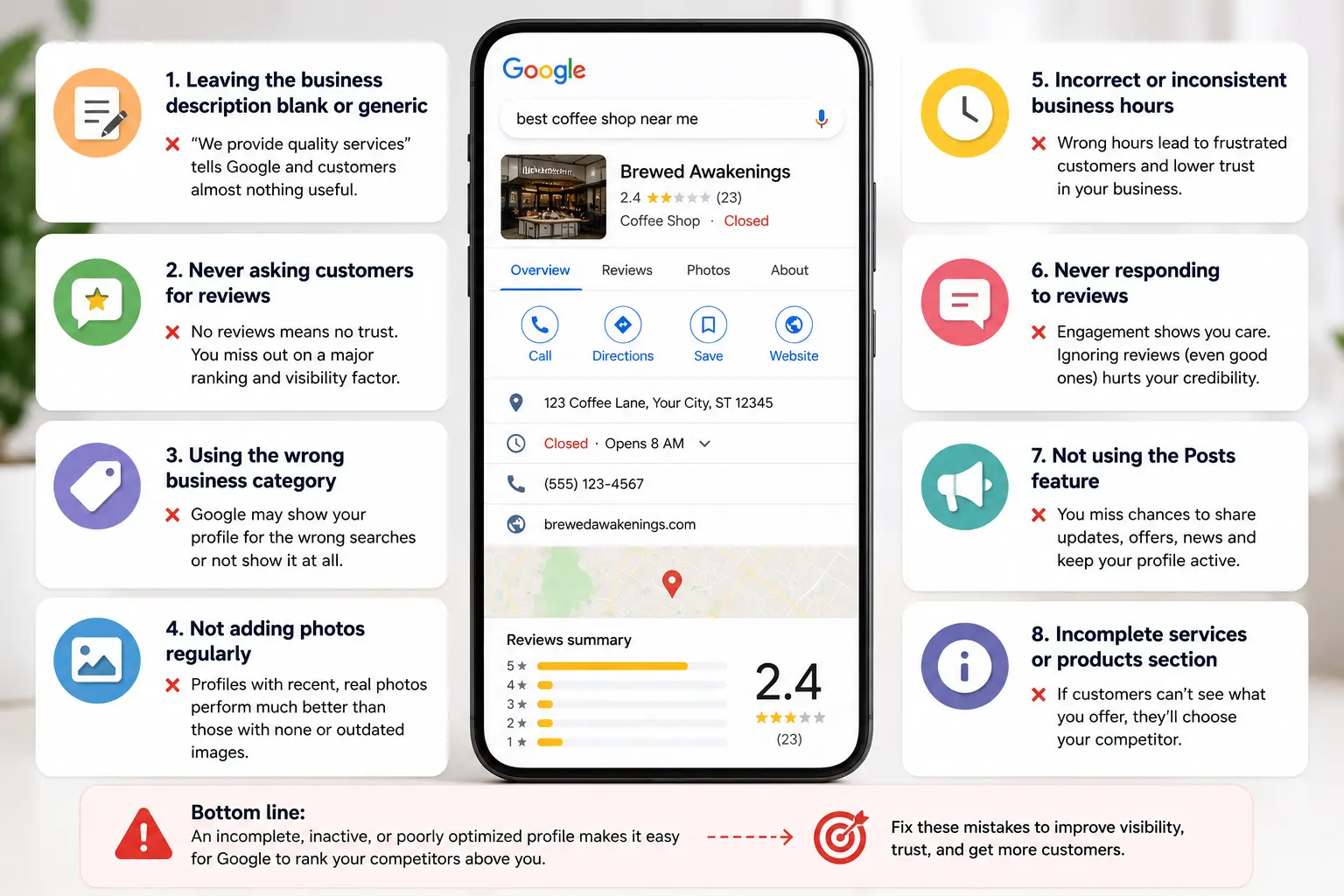
- Leaving the business description blank or generic — “We provide quality services” tells Google and customers almost nothing useful
- Never asking customers for reviews, leaving the profile at zero while competitors quietly accumulate trust signals
- Using the wrong business category, which means Google doesn’t know when to show your profile for relevant searches
- Not adding photos regularly — profiles with more recent, real photos consistently outperform ones with a single stock image or no photos at all
- Incorrect or inconsistent business hours, especially around holidays or seasonal changes, which erodes customer trust
- Never responding to reviews, including positive ones — Google notices engagement, and customers notice it too
- Not using the Posts feature, which lets you share updates, offers, and news directly on your profile
How to Fix a Google Business Profile That Isn’t Bringing in Customers
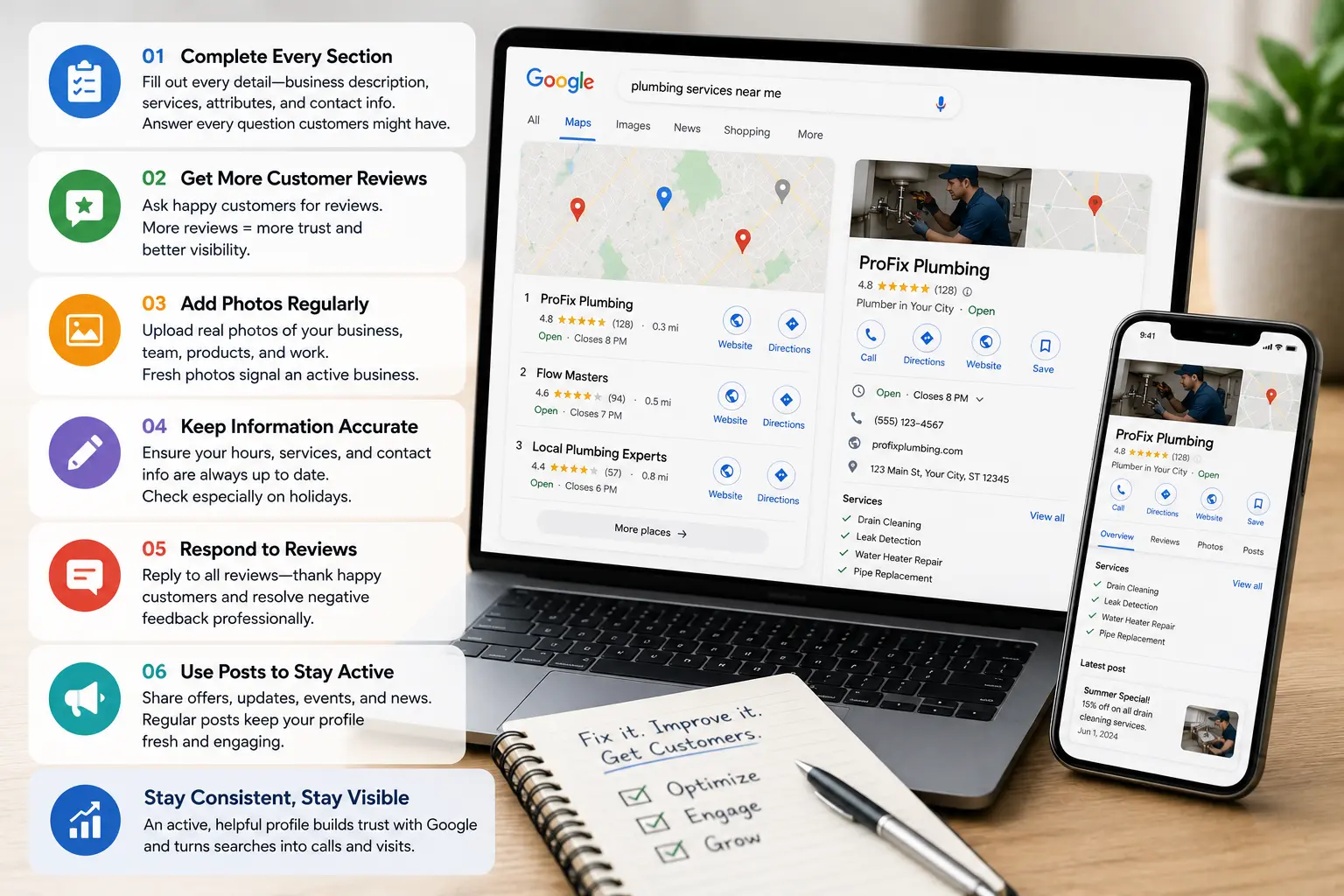
1. Fill in every section of your profile completely.
Go through your profile as if you’re a first-time customer reading it. Does the description clearly explain what you do, who you serve, and where you’re located? Are all your services listed? Is there a specific description for each? A profile that answers a customer’s basic questions before they even visit your website does more work for you than one that just lists your name and number.
2. Ask your existing customers directly for a review.
This is the single most impactful thing most businesses can do quickly. Imagine a home painting contractor who finishes a job, hands the homeowner his card, and asks simply: “If you were happy with the work, a quick Google review would really help us — it only takes a minute.” Over three months of doing this consistently, he goes from two reviews to thirty-one. His profile visibility changes noticeably.
3. Add photos regularly — not just once.
Real photos of your work, your team, your location, or your products give both Google and potential customers fresh signals that your business is active. A monthly habit of uploading three to five photos keeps your profile looking current without much ongoing effort.
4. Use Google Posts for updates and offers.
Google Posts are short updates that appear directly on your business profile in search results. They’re free, take five minutes to create, and show customers — and Google — that your business is active. Even a simple monthly post about a seasonal offer or a new service keeps your profile looking alive.
5. Respond to every review, including the positive ones.
A short, genuine reply to a positive review — “Thank you, it was great working with you, hope to see you again soon” — takes thirty seconds and signals to Google that your business is engaged. For negative reviews, a calm and professional response does more for your reputation than no response at all.
What Most Business Owners Overlook
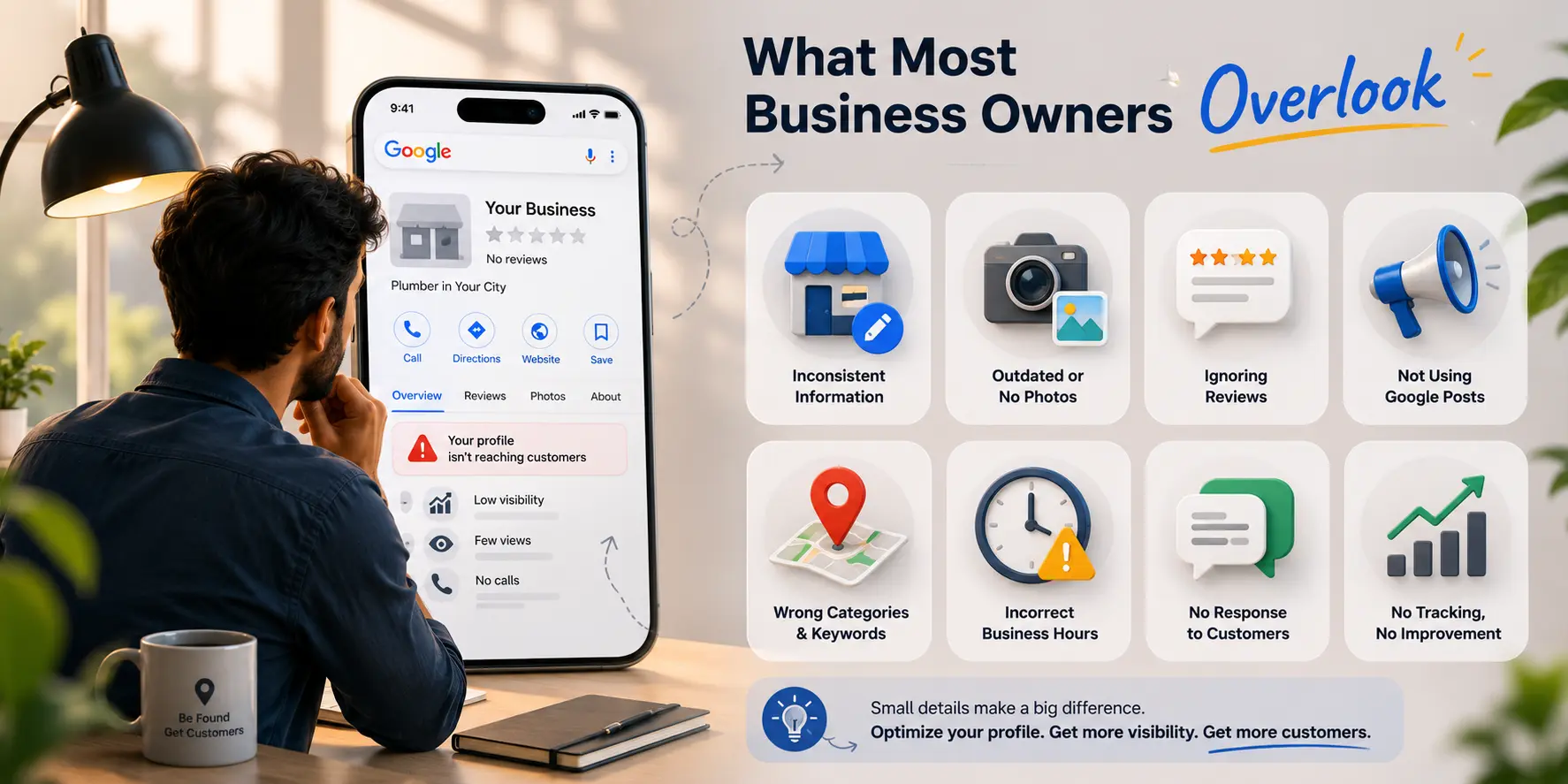
Here’s the part most people miss: Google Business Profile isn’t a directory listing you set up once — it’s closer to a small social profile that rewards consistent activity and genuine engagement.
Most business owners treat their profile as a one-time task that’s been “done.” The businesses appearing at the top of local results are usually the ones treating it as something they visit regularly — adding photos, collecting reviews, posting updates, responding to messages. None of these individual activities takes long. It’s the consistency of them that compounds into meaningful local visibility over time.
Timeline: What to Expect After Improving Your Google Business Profile
Small updates — correcting information, filling in blank sections, adding photos — are reflected on your profile within a day or two. Review count changes are visible immediately, though their impact on ranking builds gradually as the number increases.
Most local businesses that become consistently active on their profile — posting updates, collecting reviews steadily, uploading photos monthly — start noticing improvements in calls and direction requests within four to eight weeks. The improvements aren’t sudden. They build the way trust builds — gradually, then noticeably.
For businesses in less competitive local areas, improvements can come faster. In more competitive categories or cities, it may take two to three months of consistent activity before ranking shifts become significant.
What Happens If You Ignore This Problem
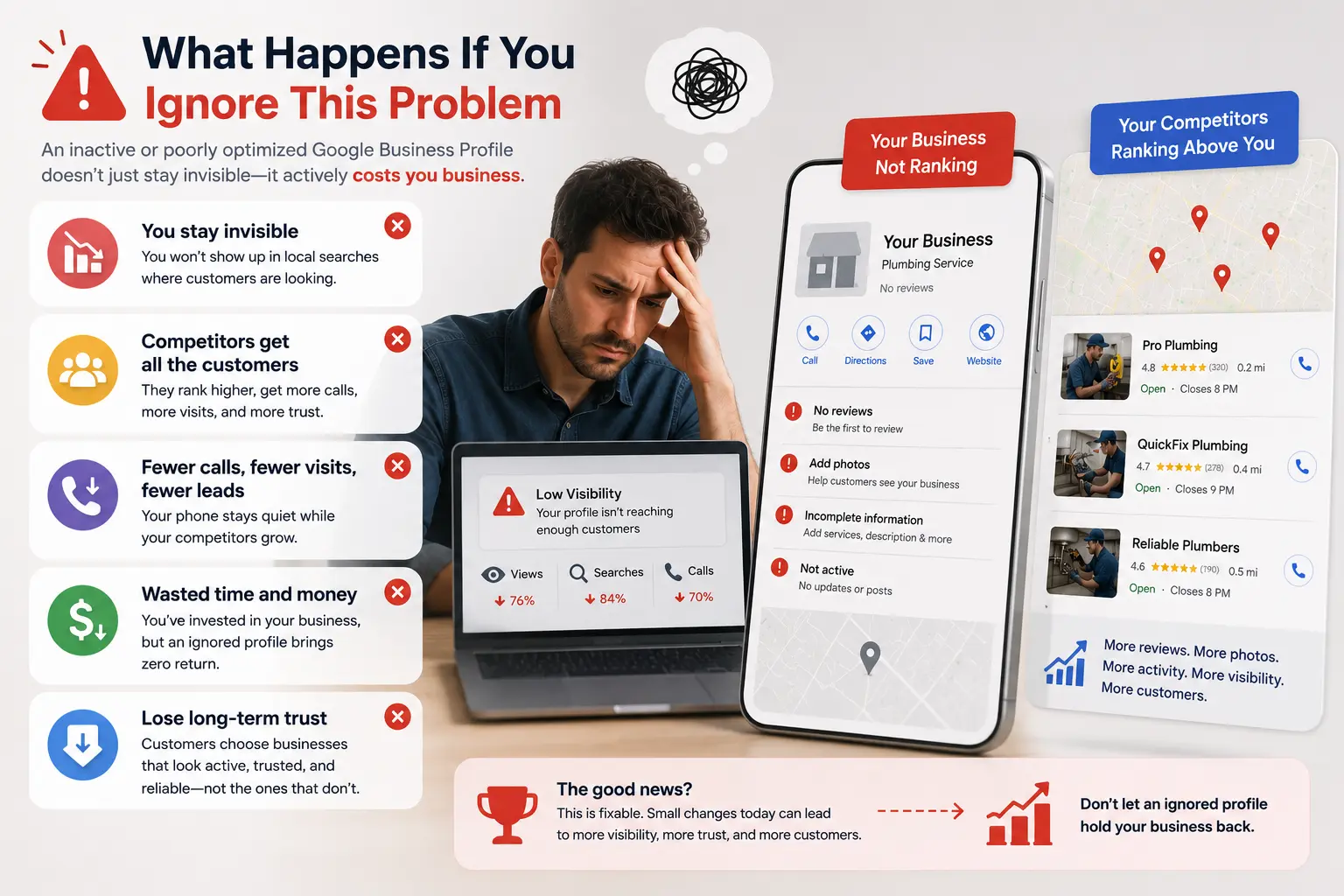
Competitors who stay active on their profiles quietly accumulate reviews, visibility, and customer trust while your profile sits unchanged. Customers searching for your exact service in your exact area see those competitors first and often never scroll far enough to find you. Over time the gap between your profile and theirs widens — and closing it takes longer the more it’s been left unattended.
A Quick Action Step
Right now, open Google and search for your business name. When your profile appears, look at it the way a first-time customer would — not as the owner. Are the photos recent? Is there a description that explains clearly what you do? How many reviews do you have compared to the first two competitors above you? That comparison tells you exactly where your profile needs the most attention first.
Tools & Resources
- Google Business Profile Manager — The free dashboard where you manage everything: hours, photos, posts, reviews, and messages. If you haven’t logged into it recently, that’s where to start — it also shows how many people viewed your profile and what actions they took.
- Google Maps search — Searching your own service and city name on Google Maps is one of the most useful free audits available. It shows you exactly where you appear relative to competitors and what their profiles look like compared to yours.
- Google’s Review Link Generator — Google provides a direct link you can send to customers that takes them straight to the review box for your profile, with no navigation needed. Sharing this link makes the review process simple enough that far more customers follow through.
FAQ
My business is verified on Google but still doesn’t appear in local searches. Why?
Verification confirms ownership — it doesn’t affect ranking on its own. Visibility comes from completeness, review count, activity, and relevance to what’s being searched. A verified but inactive profile often ranks below an active competitor.
How many reviews do I need to start ranking better locally?
There’s no fixed number, but even moving from zero to ten genuine reviews often produces a noticeable improvement. The goal is consistent accumulation over time, not hitting a specific number quickly.
Can I ask customers to leave reviews?
Yes. Google’s guidelines allow businesses to ask customers for reviews. What’s not allowed is offering incentives like discounts or gifts in exchange for reviews.
My business has some negative reviews. Should I delete them?
You can’t delete reviews you don’t agree with — only Google can remove reviews that violate their policies. The more effective approach is responding calmly and professionally, which shows potential customers how your business handles feedback.
How often should I update my Google Business Profile?
A monthly photo upload, a monthly post, and responding to any new reviews within a day or two is a manageable routine for most small businesses that keeps the profile consistently active.
Does having a website affect my Google Business Profile ranking?
Your website and your Business Profile are separate but connected. A well-built website that matches the information on your profile and contains relevant local content can strengthen both — inconsistencies between the two can sometimes weaken both.
I have two locations. Do I need two separate profiles?
Yes. Each physical location should have its own Google Business Profile with its own address, phone number, and photos. Managing them separately gives each location the best chance of appearing in local results for its own area.
Key Takeaways
- Creating a Google Business Profile and having one that actively brings in customers are two different things
- Profile completeness, review count, and consistent activity are the main factors that affect local visibility
- Asking existing customers directly for a Google review is the fastest single improvement most businesses can make
- Regular small actions — photos, posts, review responses — compound into meaningful local visibility over weeks and months
- Ignoring the profile means competitors who stay active quietly take the visibility and customer enquiries your business should be receiving
Conclusio-n
Your Google Business Profile is one of the few places where small, consistent effort directly translates into more customers finding you — for free, without paid ads. It doesn’t require technical knowledge or a large time commitment. It just requires treating it as something you visit regularly, not something you set up once and forget.
Start today by logging in, looking at your profile the way a new customer would, and picking the one thing that most clearly needs attention. That one update is worth more than the best-designed website that nobody finds.