Introduction
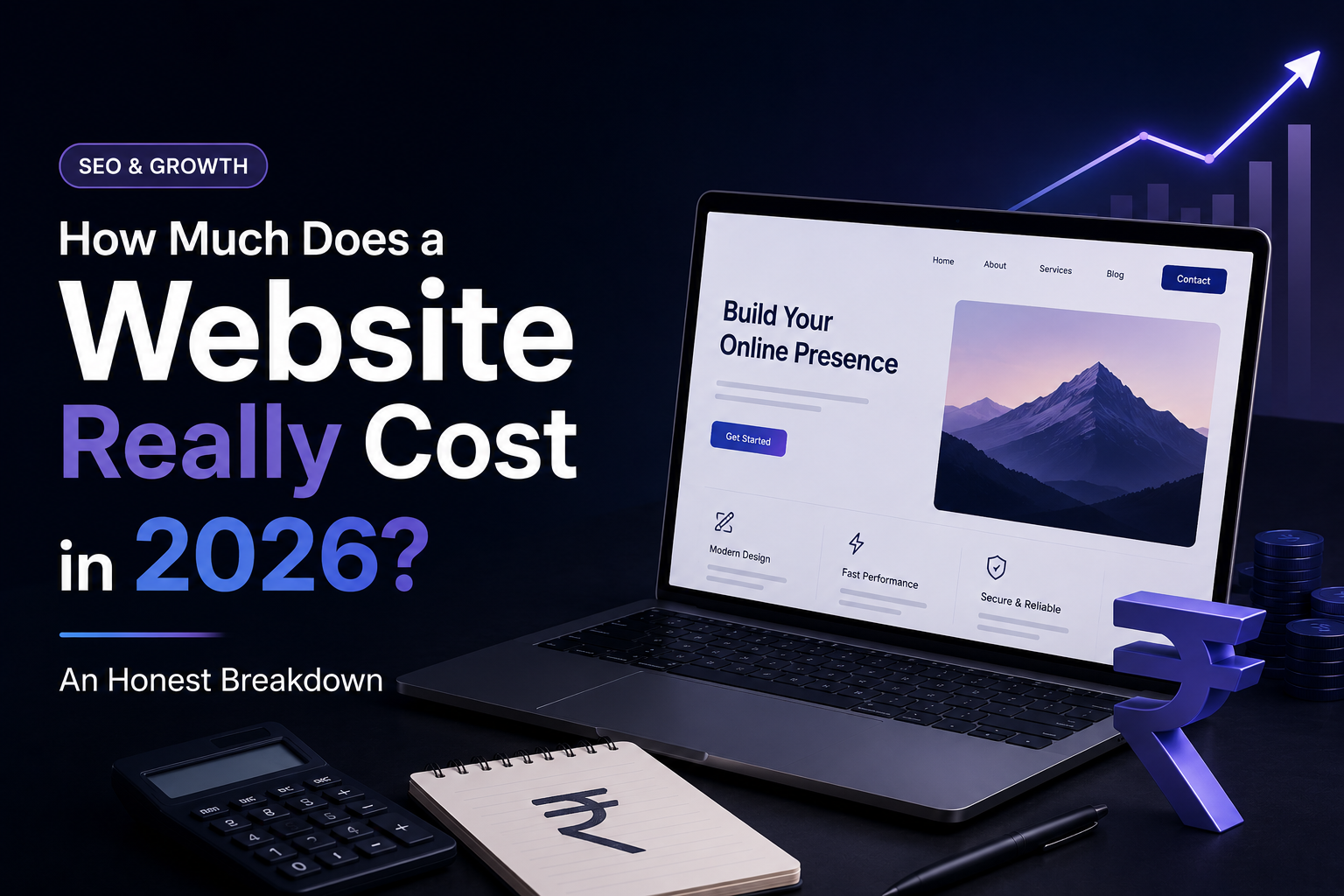
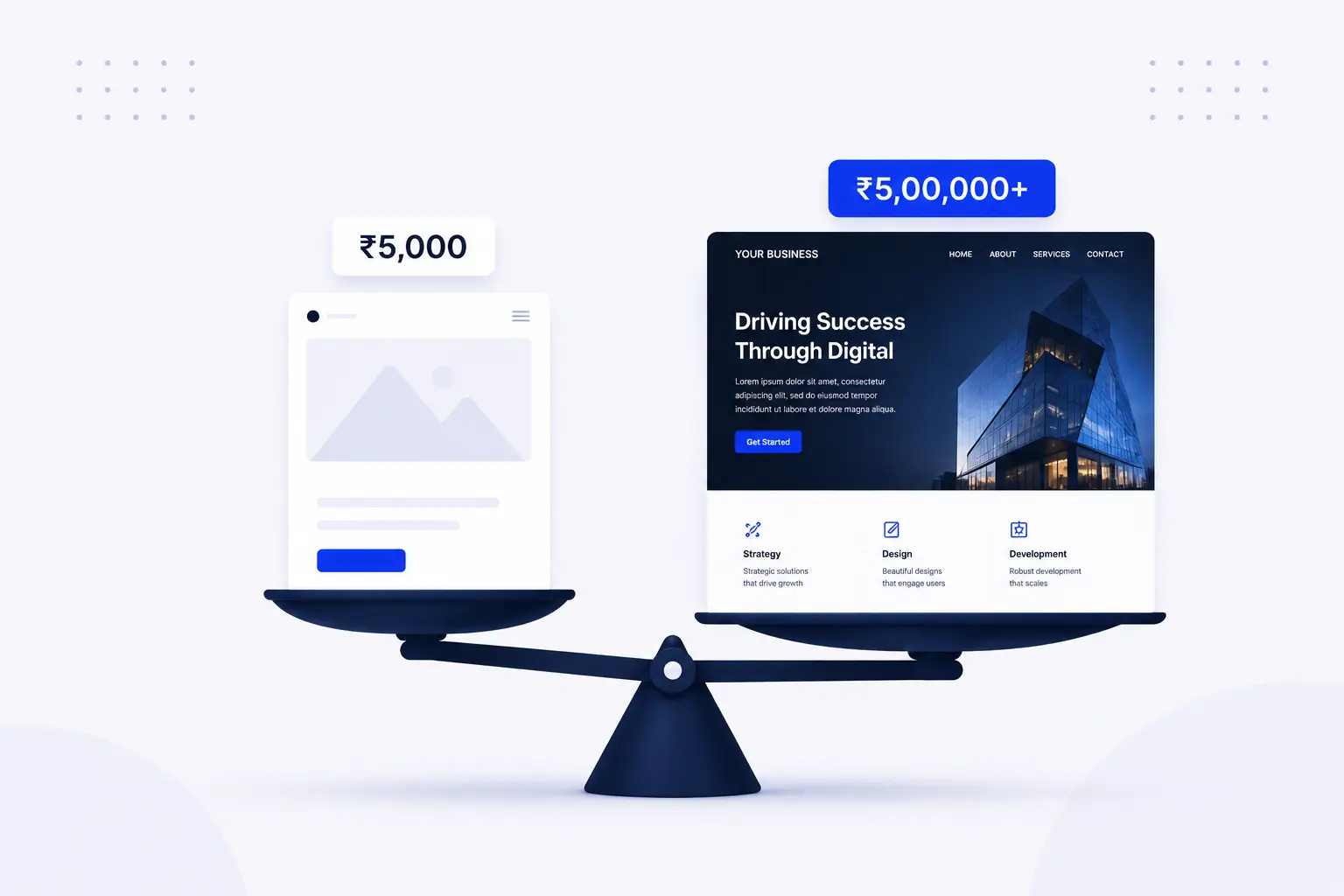
If you’re thinking about building a website for your business, you’ve probably started looking around online for answers. Maybe your current online presence feels outdated, or you’ve seen competitors attracting more customers with a professional website. So you head to Google, type in “how much does a website cost,” and within seconds you’re faced with prices ranging from ₹5,000 to ₹50,00,000.
That’s not a typo. The range really is that wide.
The problem is that most articles don’t give you a clear answer. Some make website pricing sound much simpler than it actually is, while others are written mainly to convince you to buy their services. My goal is different. Whether you’re running a local business, launching a startup, or planning to reach customers worldwide, this guide will help you understand what goes into website pricing and what you can realistically expect to pay.
By the end of this article, you’ll have a much clearer idea of where your budget should go, what factors affect the cost, and how to avoid spending money on things your business may not actually need.
Why Website Costs Vary So Much
Before looking at actual costs, it’s important to understand why website pricing can vary so much. The truth is, not all websites are built the same.
Think of it this way: a small house and a luxury villa are both buildings, but the materials, design, features, and effort involved are completely different. Websites work in a very similar way.
A simple business website with a few pages will naturally cost much less than an online store, booking platform, or custom web application with advanced features. That’s why you might see one company charging a few thousand rupees while another quotes several lakhs for what seems like the same thing.
So, what exactly affects the price of a website? Let’s break down the main factors.
Complexity of design — A brochure site with five pages is very different from an e-commerce store with 200 products, custom filters, and a checkout flow.
Technology stack — A drag-and-drop site built on Wix costs far less to develop than a custom-coded React application with a backend database and API integrations.
Content requirements — Do you have text, images, and videos ready? Or does the developer need to source, create, and upload everything?
Who builds it — A freelancer in a small town, an offshore studio, a boutique agency, or a large digital firm all carry different price tags for similar work.
Ongoing needs — Hosting, domain renewal, security certificates, software updates, and content changes add to the real cost of ownership over time.
Keep all of this in mind as you read through the breakdown below.
The Main Website Types and Their Costs in 2026
1. DIY Website Builders (Wix, Squarespace, Webflow)
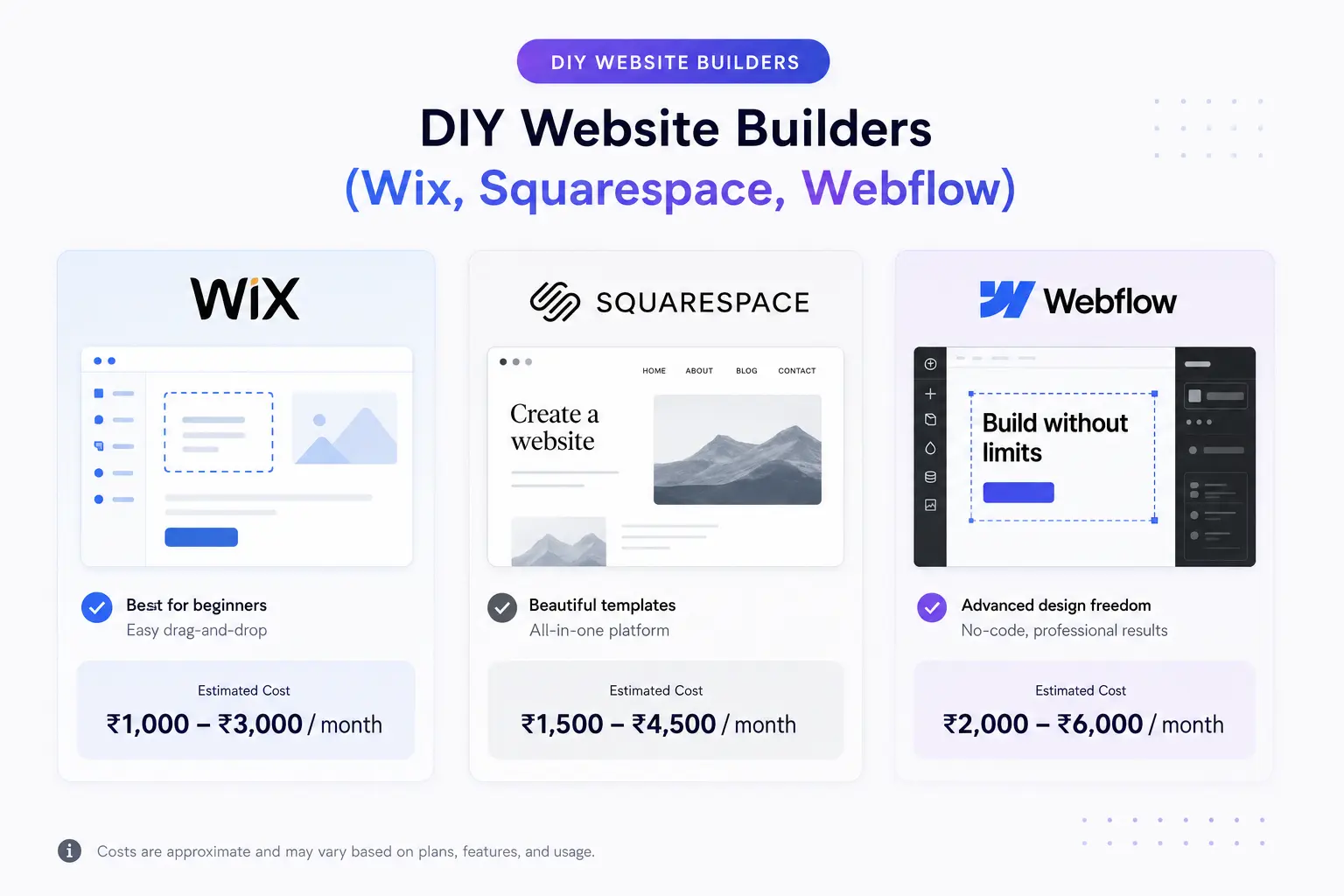
Estimated cost: ₹1,500 – ₹8,000/month (or $15–$80/month)
Website builders are often the easiest starting point for business owners who don’t have technical experience. Platforms like Wix and Squarespace let you choose a design, add your content, and launch a website without touching a single line of code.
These platforms are a good fit for freelancers, consultants, coaches, startups, and small businesses that need a professional online presence quickly without investing heavily in custom development.
What you get:
- Hosting included
- Basic SSL certificate
- Pre-designed templates
- Drag-and-drop editor
What you don’t get:
- Full control over design and code
- SEO flexibility (especially technical SEO)
- Custom features without workarounds
- A site that grows with a scaling business
Real-world example: A yoga instructor in Hyderabad launches a Wix site to showcase class schedules and collect bookings. It costs her ₹2,400/month and takes two evenings to set up. It works perfectly — for now.
The catch: once she wants to add a custom booking system, integrate WhatsApp, and rank on Google for competitive keywords, Wix starts showing its limits.
2. WordPress Website (Template-Based)
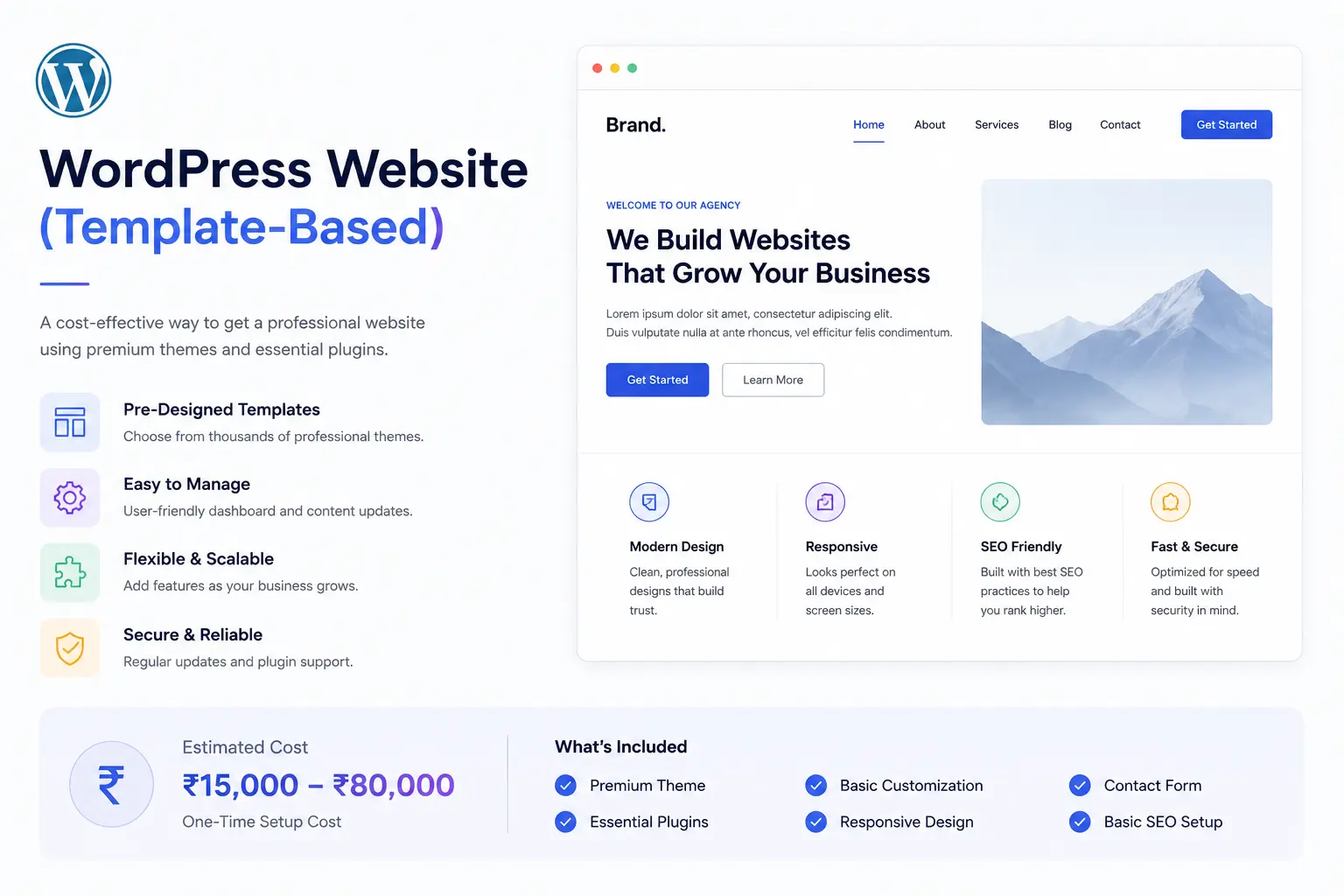
Estimated cost: ₹15,000 – ₹80,000 one-time + ₹3,000–₹10,000/year for hosting and maintenance
WordPress has remained one of the most popular website platforms for years, and it’s easy to see why. It offers the flexibility to build almost any type of website, has strong SEO capabilities, and gives businesses complete control over their content and growth.
For many businesses, the most cost-effective approach is a template-based WordPress website. Instead of building everything from scratch, a developer starts with a reliable theme and customizes it to match your brand, content, and business goals.
This option works particularly well for small businesses, service providers, bloggers, consultants, and growing companies that want a professional website without the higher investment of a fully custom design and development process.
What you get:
- A unique-looking site built on a proven framework
- Blog and content management system (CMS)
- Good SEO foundations
- Easily editable without a developer (once set up)
What you don’t get:
- A completely original design
- Premium performance without optimisation
- Freedom from plugin dependencies
Real-world example: A law firm in Chennai needs a clean, trustworthy website with a contact form, a team page, and a blog. A developer builds it on WordPress using a premium theme, charges ₹45,000, and the site is live in three weeks.
3. Custom WordPress Website (Fully Designed)
Estimated cost: ₹80,000 – ₹3,00,000+ (or $1,000–$5,000+)
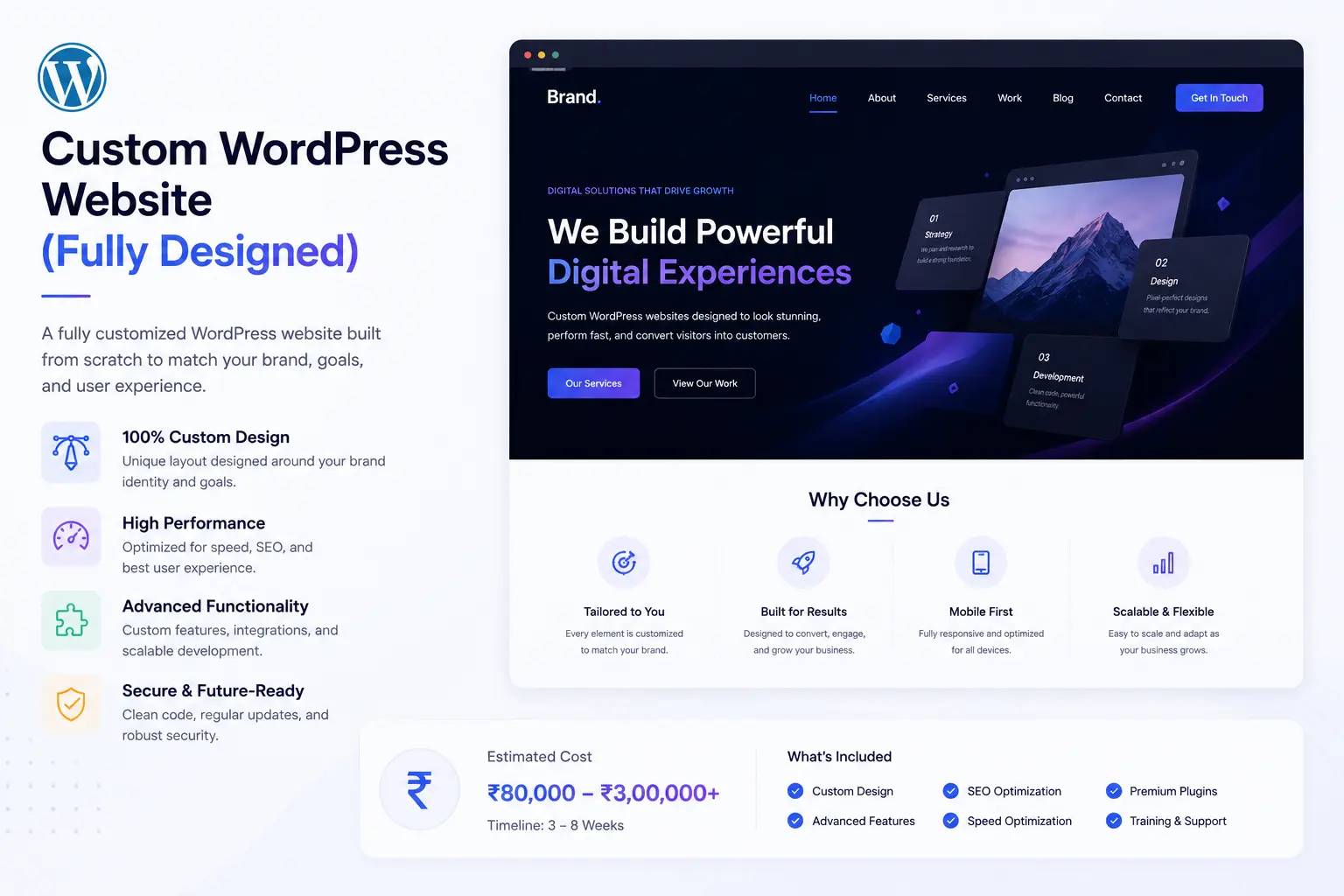
This is the step up from a template. Instead of starting with a pre-made theme, a designer creates original mockups from scratch — then a developer builds the site to match. The result looks and feels entirely unique.
Who it works for: Established businesses, premium brands, agencies, and anyone who wants their site to reflect a distinct visual identity rather than looking like half the internet.
What you get:
- A site built specifically for your brand, not adapted from a template
- Better performance (no bloated theme code)
- A stronger first impression for visitors
- Scalability as your business grows
Real-world example: A spice export company wants to target international buyers. They invest ₹1,80,000 in a custom WordPress site with premium photography, a product catalogue, a multilingual option, and a contact form tied to their CRM. The site pays for itself within a quarter.
4. E-Commerce Website
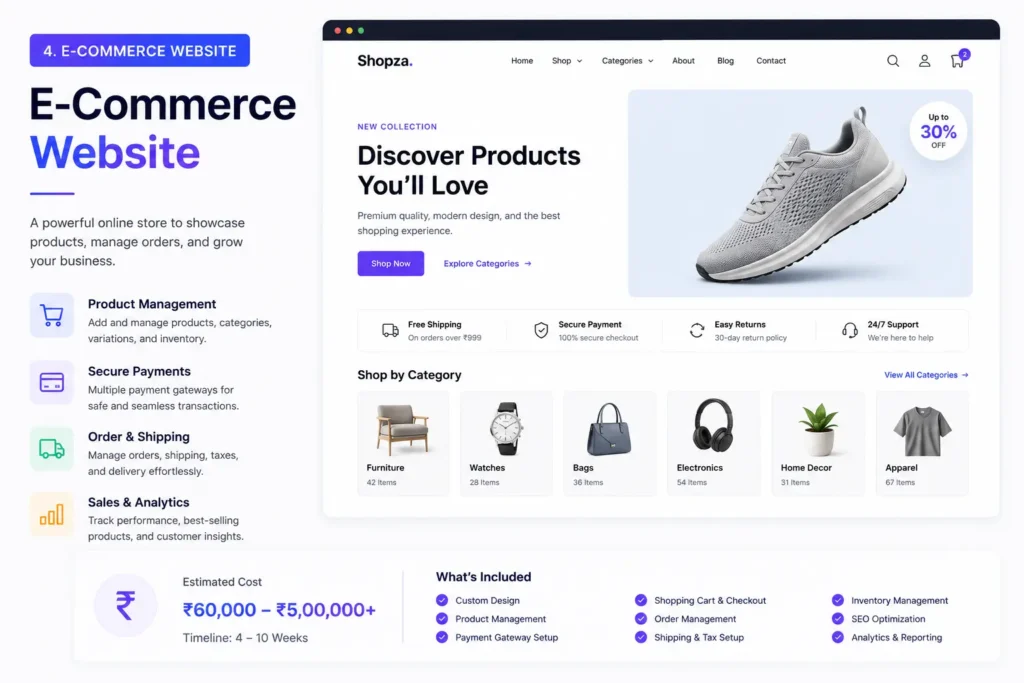
Estimated cost: ₹60,000 – ₹5,00,000+ depending on scale
Selling online comes with its own layer of complexity: product pages, shopping carts, payment gateways, inventory management, tax handling, shipping integrations, and mobile responsiveness. Each of these has a cost.
The most common platforms for e-commerce in India are:
- Shopify — Hosted, beginner-friendly, great for D2C brands. Monthly plans start at ~₹1,700/month but rise quickly with transaction fees and apps.
- WooCommerce (WordPress) — More control, lower recurring costs, but needs a developer for setup and maintenance.
- Custom-built — For high-volume businesses that need specific workflows, integrations, or scalability.
Real-world example: A handcrafted jewellery brand in Jaipur starts with a Shopify store (₹25,000 setup + ₹2,000/month). Two years later, with 500+ products and growing wholesale orders, they migrate to a custom WooCommerce site (₹2,50,000) that handles both retail and B2B pricing tiers.
5. Custom Web Application
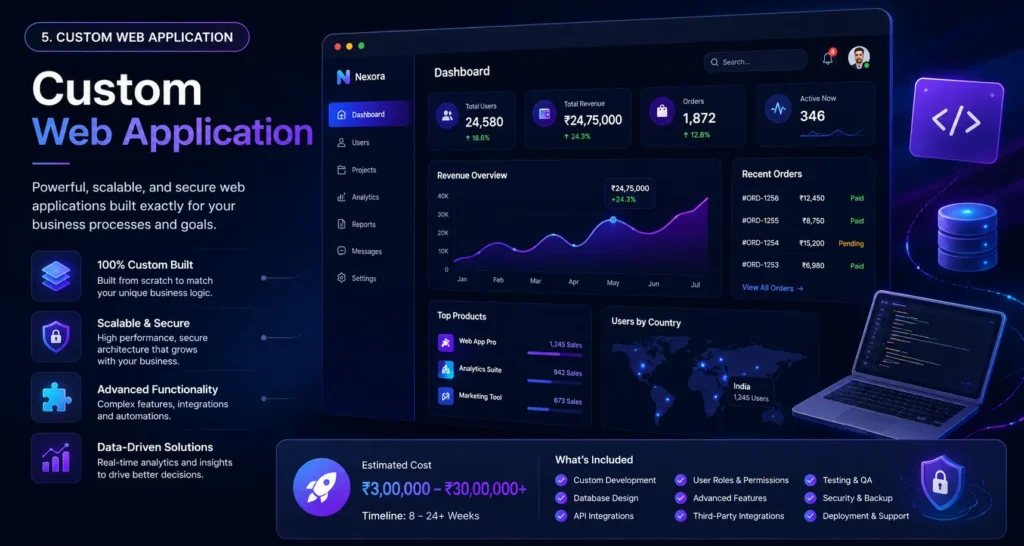
Estimated cost: ₹3,00,000 – ₹30,00,000+ (or $5,000–$100,000+)
A web application is very different from a typical business website. Instead of simply displaying information, it’s built to help users interact with the platform and complete specific tasks.
Think of things like appointment booking systems, client dashboards, online learning platforms, project management tools, or SaaS products. These platforms often include user accounts, databases, custom features, and integrations that require much more development work behind the scenes.
That’s why web applications usually involve a separate planning, design, and development process compared to a standard company website.
What’s NOT Included in Most Website Quotes
This is where many business owners get surprised. A developer quotes you ₹60,000 for a website. You agree. Then the invoice arrives with extras. Here’s what typically isn’t included unless specified:
Domain name — Usually ₹800–₹2,000/year. Yours to purchase and renew.
Web hosting — Ranges from ₹3,000/year (shared hosting) to ₹30,000+/year (managed WordPress or VPS hosting). Don’t cheap out here. Slow hosting kills SEO and user experience.
SSL Certificate — Most good hosts include this free now (Let’s Encrypt), but some don’t. Ask upfront.
Email hosting — A professional email like you@yourbusiness.com is separate from your website. Google Workspace starts at ~₹125/user/month.
Stock images or photography — Licensed stock photos cost ₹1,000–₹5,000+ per image. Custom photography is an additional project entirely.
Copywriting — If you need someone to write your homepage, about page, and service pages, that’s a separate service, typically ₹5,000–₹25,000 depending on volume.
Ongoing maintenance — Plugins, themes, WordPress core, security scans, and backups need regular attention. Budget ₹3,000–₹15,000/month for a maintenance plan.
SEO — Building the site is the foundation. Getting it found on Google is a separate ongoing investment.
How to Evaluate a Website Quote
Questions to Ask Before Hiring a Web Designer or Agency
Before you sign any agreement, take a few minutes to ask the right questions. The answers can save you time, money, and a lot of frustration later.
How do you approach new projects?
A good agency won’t jump straight into pricing. They’ll first try to understand your business, your goals, your target audience, and what success looks like for your website. If someone sends a quote without asking any questions, that’s usually a warning sign.
What platform will my website be built on?
This is important because you’ll likely need to update content in the future. Whether it’s WordPress, Shopify, Webflow, or another platform, make sure it’s something you can manage without relying on a developer for every small change.
Who owns the website once it’s completed?
You should always have ownership of your domain, hosting account, website files, and content. Clarify this before the project starts and make sure it’s included in the agreement.
What kind of support is available after launch?
Most websites need a few adjustments once they’re live. Ask whether post-launch support is included and how long that support period lasts.
Is SEO included in the project?
Basic SEO setup, such as meta titles, descriptions, image alt text, and sitemap generation, should generally be part of the website build. More advanced SEO services, including keyword research and ongoing optimization, are usually separate services.
Common Mistakes to Avoid
Common Website Mistakes That Can Cost You Money
Many businesses make the same mistakes when building a website. The problem is that these mistakes often don’t become obvious until months later, when fixing them costs more time and money.
Choosing the cheapest option without reviewing previous work
It’s tempting to go with the lowest quote, especially when you’re working with a limited budget. However, a low-cost website from someone with little experience can end up costing more in the long run if you need to rebuild everything a year later. Always review their portfolio and ask for examples of similar projects.
Starting development before preparing your content
One of the biggest delays in website projects comes from missing content. Before development begins, try to have your text, images, videos, and branding assets ready. This helps designers and developers create layouts that actually fit your content instead of relying on placeholders.
Ignoring the mobile experience
Today, most visitors are browsing websites from their phones. If your website looks great on a desktop but is difficult to use on mobile devices, you’re likely losing potential customers without realizing it.
Choosing a platform that doesn’t support future growth
Your business may be small today, but your website should be able to grow with you. If you plan to add a blog, online store, booking system, or multiple languages in the future, choose a platform that can support those goals from the beginning.
Paying for features you rarely use
Many website platforms offer premium add-ons and subscriptions. While some are useful, others simply increase your monthly costs without providing much value. Review your subscriptions regularly and remove anything that’s no longer necessary.
Overlooking website speed
A slow website creates a poor user experience and can affect your search engine rankings. Even a few extra seconds of loading time can increase bounce rates and reduce conversions. Performance should never be treated as an afterthought.
Working without a written agreement
Whether you’re hiring a freelancer or an agency, always use a contract. A clear agreement helps define project scope, timelines, deliverables, payment terms, and ownership rights, reducing the chances of misunderstandings later.
Best Tools and Resources
For DIY builders:
- Webflow — Best design flexibility without coding
- Squarespace — Best for creative portfolios and clean aesthetics
For WordPress:
- Astra Theme — Lightweight and widely supported
- GeneratePress — Best for performance-focused builds
- Elementor — Visual page builder with broad plugin support
For e-commerce:
- Shopify — Best for D2C brands starting out
- WooCommerce — Best for flexibility and cost control at scale
For hosting:
- Cloudways — Managed cloud hosting, developer-friendly
- SiteGround — Reliable managed WordPress hosting
- Hostinger — Budget-friendly shared hosting for early-stage projects
For performance and SEO:
- Google PageSpeed Insights — Free speed analysis
- Ahrefs Webmaster Tools — Free SEO audit tool
- Yoast SEO — Standard WordPress SEO plugin
Frequently Asked Questions
How much does a basic business website cost in India in 2026? A professional, functional small business website in India typically costs between ₹25,000 and ₹80,000 for a template-based WordPress build. A fully custom designed website starts from ₹80,000 and goes up based on complexity.
Is a free website good enough for a business? Free website builders (Wix free plan, WordPress.com free tier) come with platform branding, limited features, and no custom domain. For a professional business, they create a poor first impression. The cost of a proper website is a business investment, not an expense.
How long does it take to build a website? A simple 5-page WordPress site takes 2–4 weeks. A custom-designed site with multiple sections and custom functionality takes 6–12 weeks. E-commerce and web applications take longer depending on scope.
Should I use WordPress or Shopify for my online store? If you’re just starting with a small catalogue and want to move fast, Shopify is easier to launch. If you want more control, lower transaction fees over time, and the ability to add non-store pages (blog, services, etc.), WooCommerce on WordPress gives you more flexibility.
What ongoing costs should I expect after launch? Budget for domain renewal (₹1,000–₹2,000/year), hosting (₹3,000–₹25,000/year), and maintenance (₹3,000–₹10,000/month if you hire someone). Add email hosting and any premium plugins you use.
Can I build my own website and then hire someone to improve it later? Yes, though it depends on the platform. A Wix site can’t easily be migrated to WordPress. A WordPress site built by you can absolutely be improved by a developer later. Think ahead about the platform choice.
What’s the difference between a web designer and a web developer? A web designer focuses on how the site looks — layout, typography, colours, and user experience. A web developer builds the functionality — code, databases, and integrations. Many agencies (including Zywra) offer both under one roof.
Key Takeaways
- Website costs range from ₹1,500/month (DIY builders) to ₹30,00,000+ (custom web applications). The right budget depends entirely on your business goals.
- A template-based WordPress site is the best value for most small businesses — professional, scalable, and SEO-ready.
- Always account for hidden costs: hosting, domain, email, content, maintenance, and SEO are rarely included in a base quote.
- The cheapest option is almost never the most cost-effective option. A poorly built site that doesn’t convert or rank costs you more in lost business.
- Before you hire anyone, know your goals, have your content ready, and get a detailed scope in writing.
- The best website is the one that earns you more than it costs. Focus on ROI, not just the invoice.